• Clean, check and tighten parts regularly.
• Avoid contact with skin, in particular during high temperatures and humidity.
• Spot clean mesh with upholstery shampoo or dry powdered cleaner only. Test on a concealed
area before proceeding. Apply proprietary cleaning products strictly according to instructions.
Thank you for your purchase. Please retain your receipt to validate warranty.
If you would like to know more about our furniture products, please visit www.officeworks.com.au
8/10
• Vacuum regularly
• Wipe PU upholstery and non-upholstered parts with a clean damp cloth and mild soap. Wipe PU
upholstery dry immediately with an absorbent dry cloth.
Care Instructions
• Do not saturate upholstery with water or other cleaning products.
• Treat spills immediately with an absorbent cloth by blotting the spill.
• Do not use detergents, solvents or abrasive cleaners.
• Keep away and protect from direct sunlight and heat.
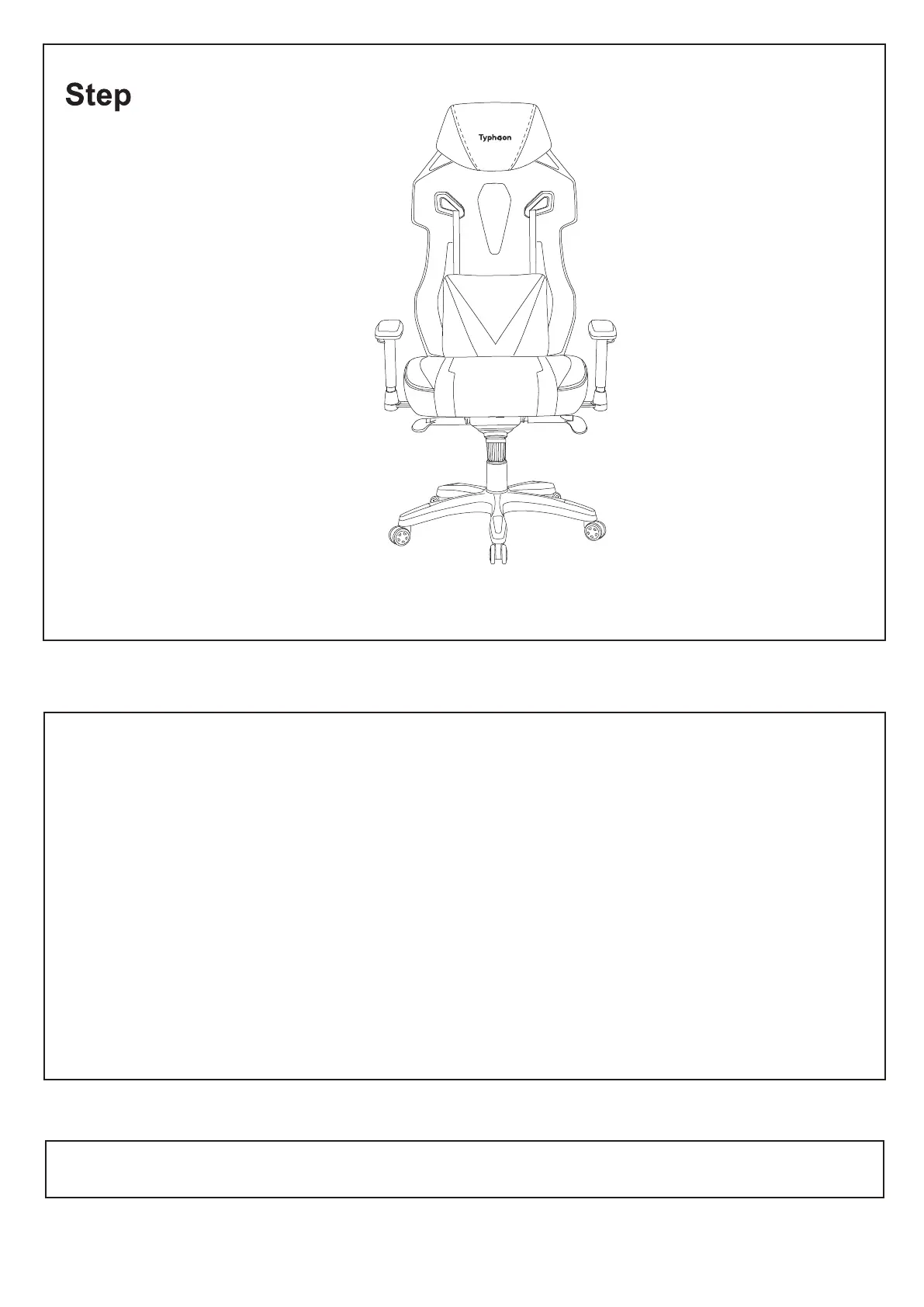
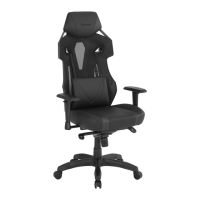
Your Typhoon Pro II Gaming Chair is now complete and ready for use.
IMPORTANT NOTE: Periodically check and re-tighten screws.
9


 To Next Page