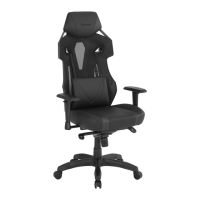
Typhoon Pro
II
Gaming Chair
Functionality
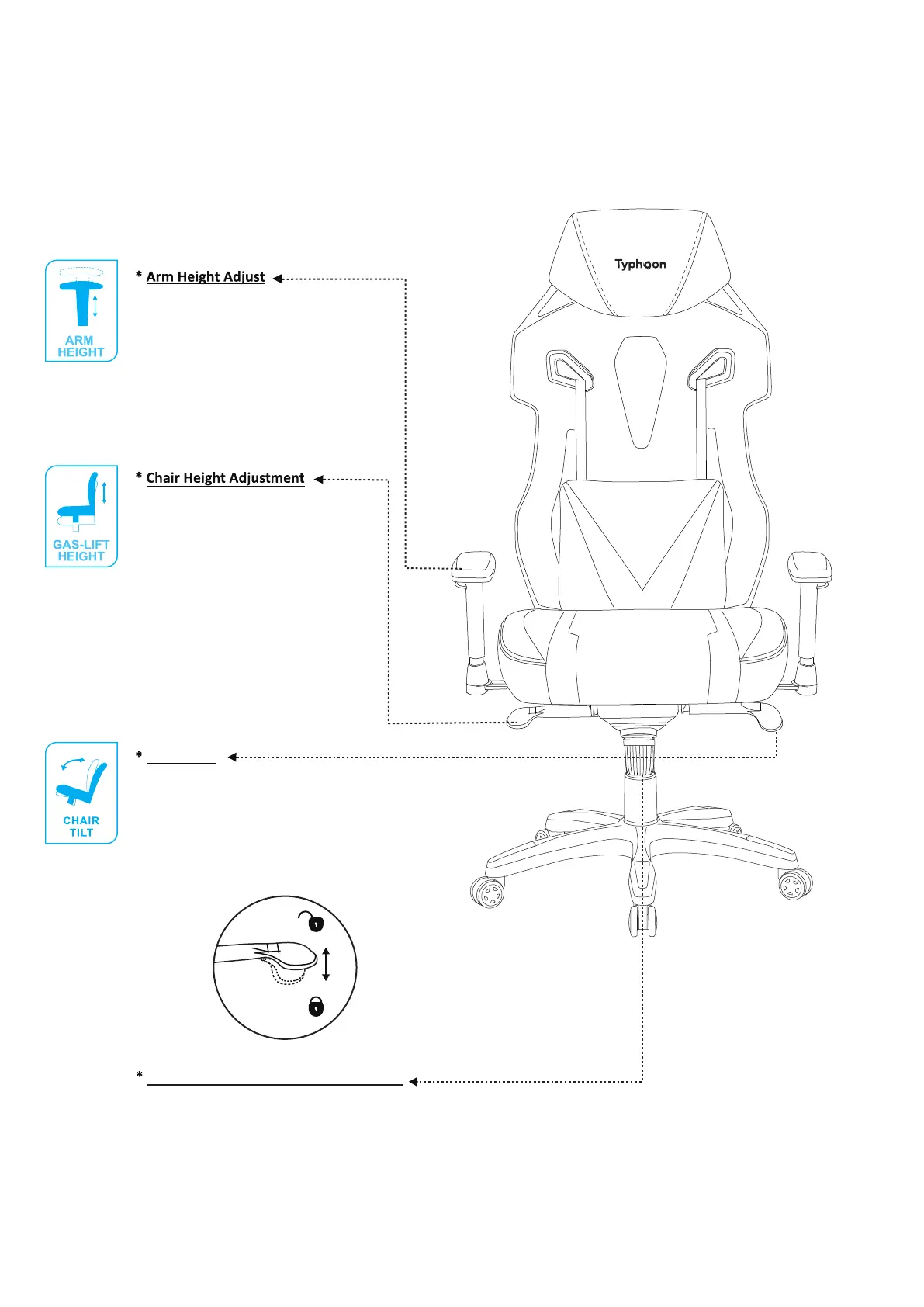
Chair Tilt
- Push the button while moving the
arm up or down.
- Release button at desired height.
- Turn paddle upwards to unlock, this allows chair
to tilt back and forth with your body weight.
- In the upright position push lever to lock.
Chair will have silght movement in locked position.
- To adjust chair height turn paddle
upward while lifting body weight
slightly off the seat.
- Release lever at desired height.
- To lower chair height sit fully into
the chair and pull lever upward.
- Release lever at desired height.
Your feet should be resting flat on
the floor.
Adjustable Tilt Tension Control
- Turn continuously to adjust how
quickly chair tilts back & forth.
Note: if adjusting while sitting in chair:
Turn knob left to tighten tension
Turn knob right to loosen tension
9/10


 To Next Page