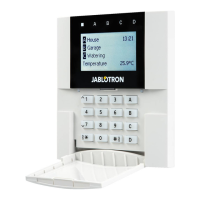
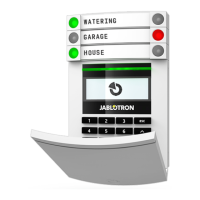
User manualJABLOTRON 100
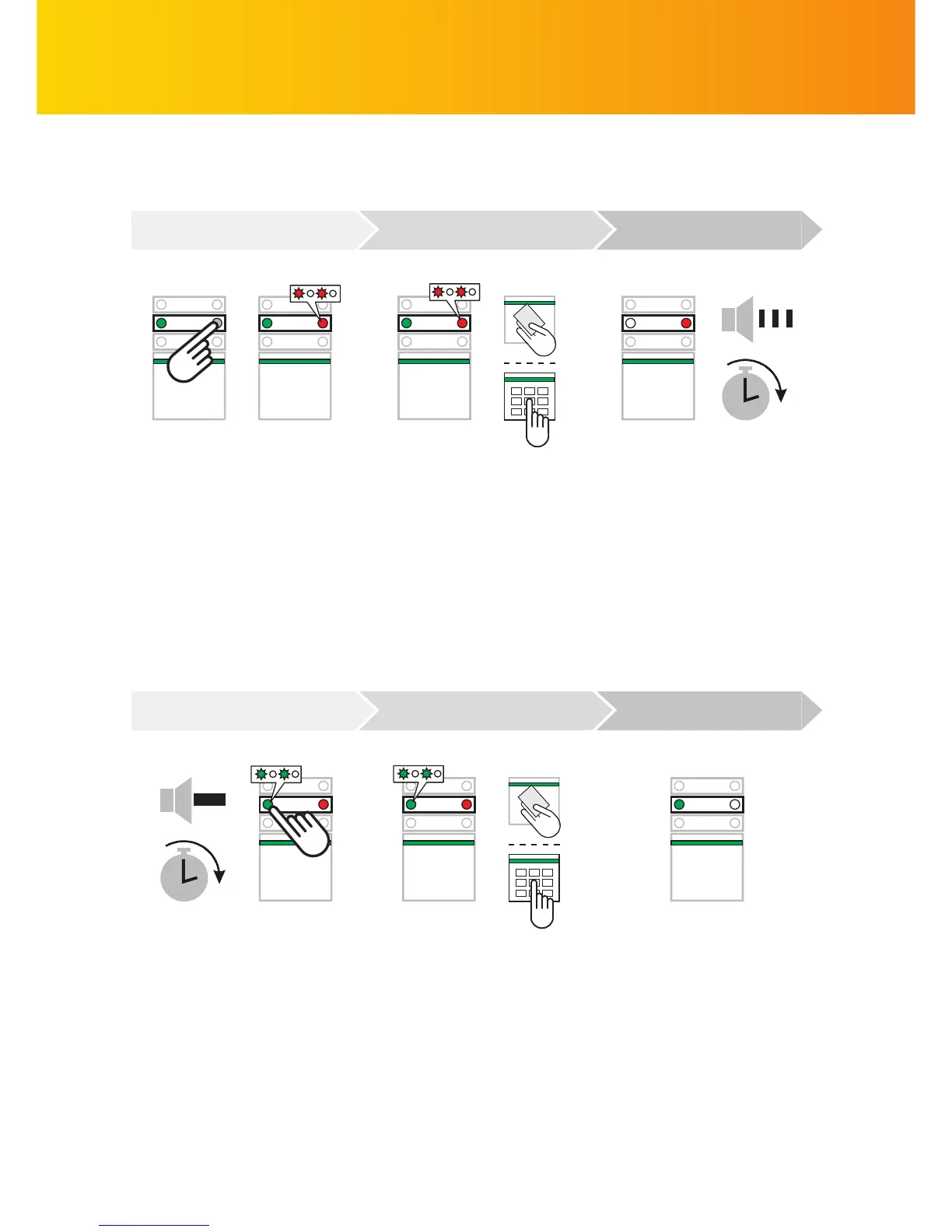
ALARM SETTING
The command is executed:
The keypad acoustically indicates
an exit delay. When it becomes
silent, the given section is set
3)
.
I confi rm the command by
authorization:
By applying a card or a tag
or by entering a code on
a keypad ...
I want to set the alarm:
I press the segment button of
the corresponding section
which then starts fl ashing ...
The command is executed:
The segment LED turns perma-
nently green to indicate an unset
section
3)
.
I confi rm the command by
authorization:
By applying a card or a tag or
by entering a code on
a keypad ...
ALARM UNSETTING
I want to unset the alarm:
When I enter the building, the
entrance delay is triggered. It is
indicated by an uninterrupted
beeping sound and repeated
fl ashing of the green LED on
the button. I press the fl ashing
button ...
COMMAND AUTHORIZATION EXECUTED
COMMAND AUTHORIZATION EXECUTED
Note: Sections with an entrance delay can be unset via a code or chip reading only without segment
button pressing. In the case of a requirement to unset the other sections, it is necessary to press segment
buttons before authorization.
Note: In standard settings, active detectors will by bypassed automatically, or depending on the installer
settings you can be asked to confi rm bypassing active sensors by double-pressing a segment button, or the
system can be refused to be set until the deactivation of detectors.


 To Next Page