LEDs from left to right:
LED 1 = RHL
LED 2 = DHSG
LED 3 = AEI
LED 4 = MSH
Now you can switch between the different software modes (LED 1-4) by
using the "volume" up/down controller on the headset. To confirm the
software has successfully installed, the base automatically switches back
to charge mode after approx. 15 seconds.
Base setup:
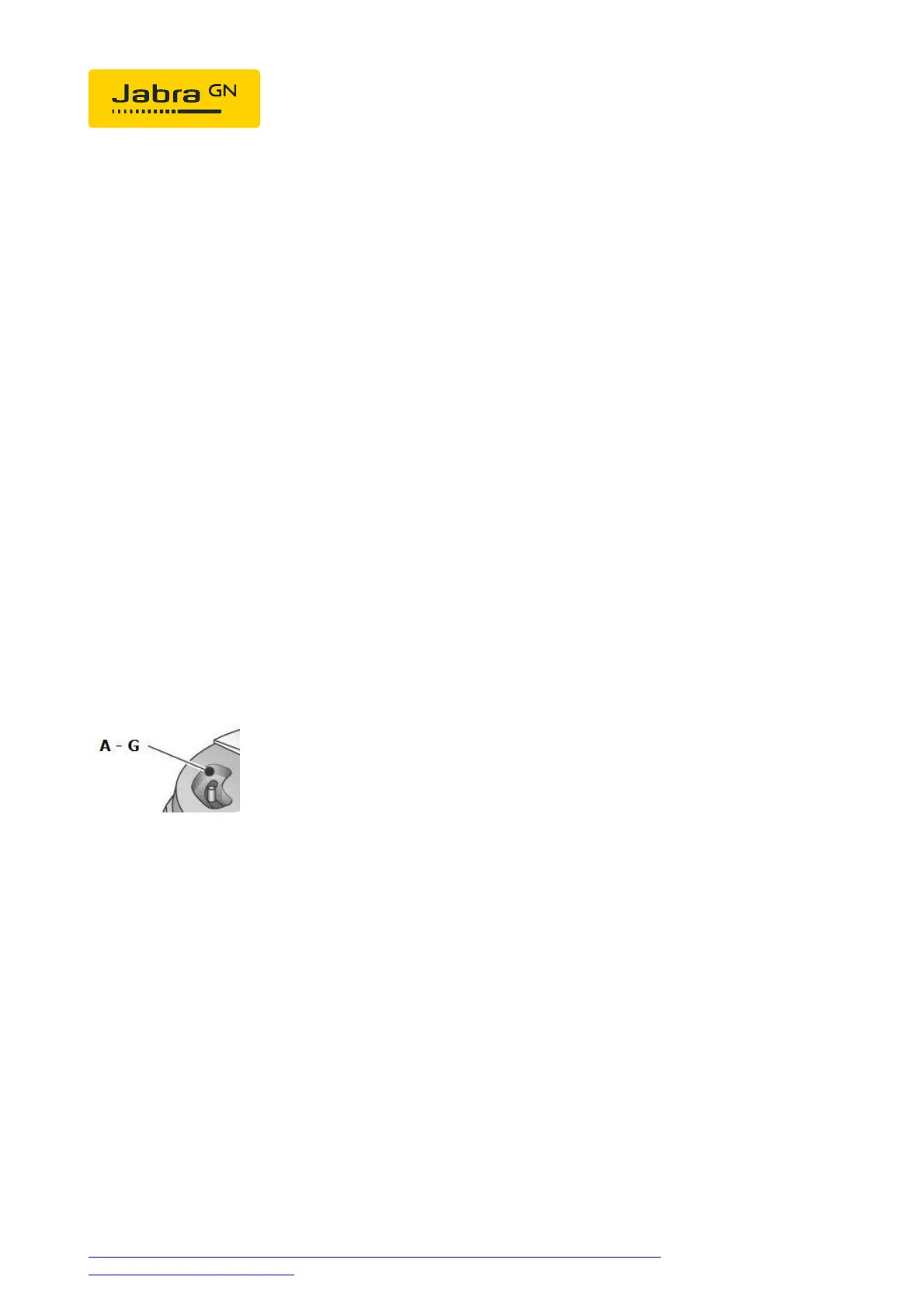
Set the phone set-up switch to "A".
Phone setup:
Menu > User> Settings > Audio > Headset ON
From Release 7.9: Menu> Settings> Audio> Headset> Headset ON
Headset answer/end:
As soon as the dial tone signal can be heard in the headset, you can answer
the call by pressing the "answer/end" on the headset; by pressing again
the call is ended.
https://www.emea.jabra.com/supportpages/jabra-link-14201-10/14201-10/faq/e76b2e37-
c6b7-4385-b58b-d0e52d83fd4f
Page 2 of 3







 To Next Page