13
ENGLISH
6. How to use
6.1 Make a call
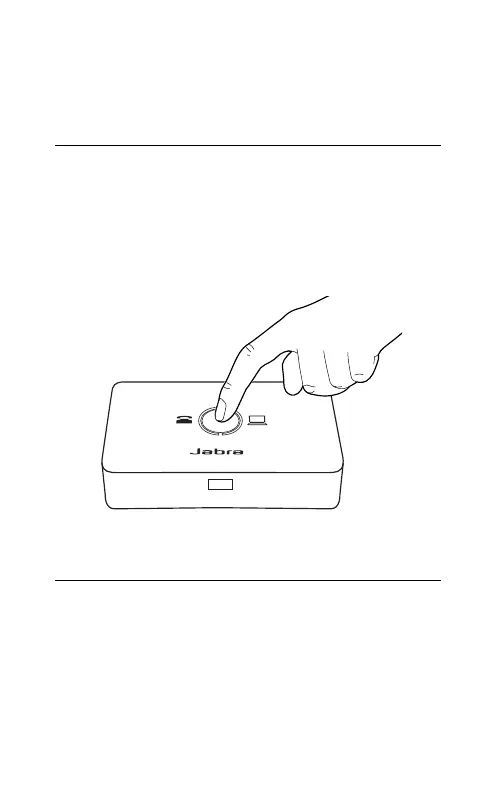
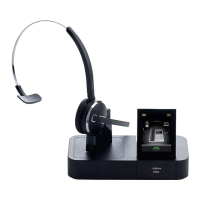
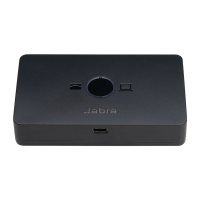
When connected to a desk phone and a
computer, press the Target phone button to
select your desired phone before initiating the
call. The LED will indicate which phone is
currently selected.
6.2 Answer a call
Incoming calls are handled directly from your
headset. The Link 950 automatically connects
the headset to the phone that is receiving a
call.
Note: You can choose your preferred computer softphone
client as default in Jabra Direct. Call control support for
desk phones require an electronic hook switch.


 To Next Page