7
ENGLISH
3. Connect to a desk
phone
3.1 Connect to a desk phone with a
headset port
This desk phone has a dedicated headset port
(usually at the back of the phone). These
phones typically have a button on the front
panel for switching between handset and
headset.
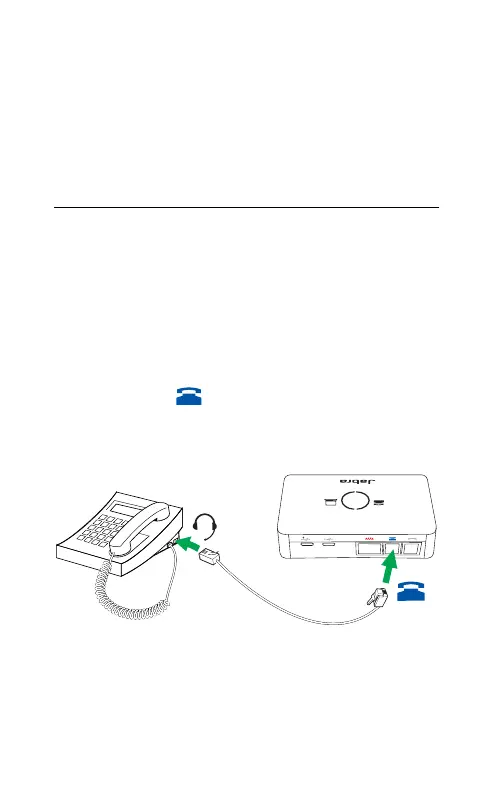
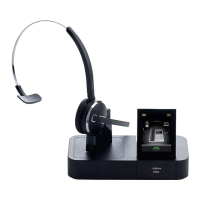
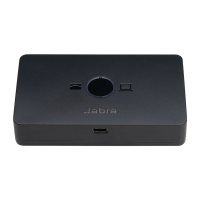
1. Plug the supplied telephone cable into the
port marked
on the Jabra Link 950.
2. Connect the telephone cable to the headset
port on your desk phone.


 To Next Page