8
ENGLISH
3.2 Connect to a desk phone without a
headset port
This desk phone does not have a dedicated
headset port.
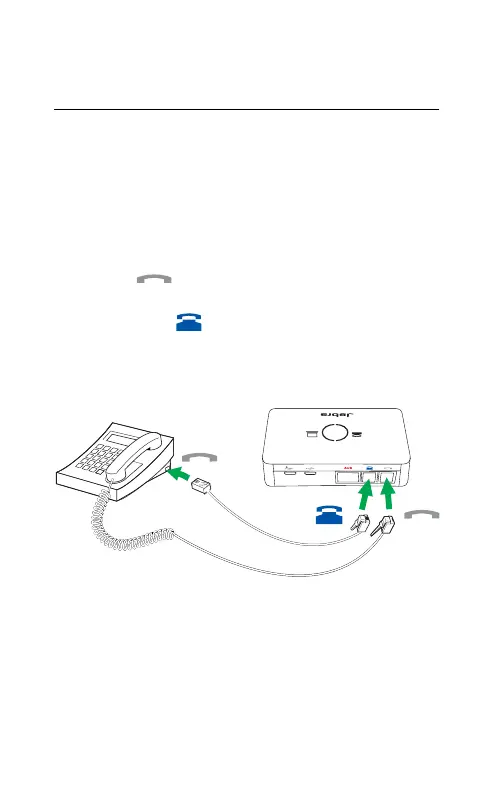
1. On the desk phone, unplug the handset cable
from the phone body.
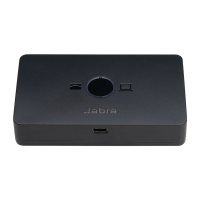
2. Connect the handset cable to the port
marked
on the Jabra link 950.
3. Plug the supplied telephone cable into the
port marked
on the Jabra Link 950.
4. Connect the telephone cable into the
handset port on the desk phone.


 To Next Page