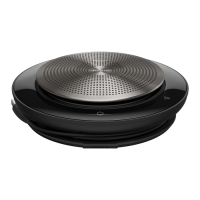
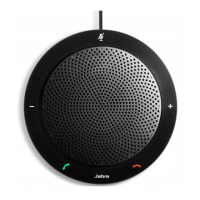
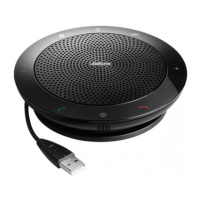
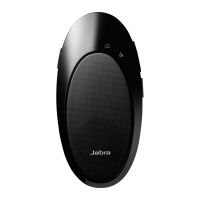
Jabra Speak 710 UC
How do I turn on/off shared use mode using Jabra Direct?
Prerequisites
Jabra Direct - latest version
By default all connections to the speakerphone are stored. When you
turn on the speakerphone, it will attempt to reconnect to the last
connected Bluetooth device. When you use shared use, you can disable
this automatic reconnection to previously paired devices.
To turn on/off shared use, follow these steps.
1. In Jabra Direct, select your device.
2. Click Device.
3. In Device settings > Speakerphone > Shared use, click the slider to
turn the setting on/off.
4. Click Apply.
If you connect to the speakerphone using the Jabra Link Bluetooth
https://www.jabra.com/de-de/supportpages/jabra-speak-710/7710-
409/faq/57522b0d-533e-48f6-bb7e-4efcc7a44d70
Page 1 of 3

 Need help?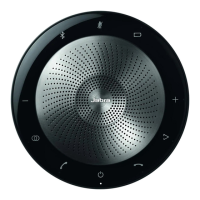

 To Next Page
 General