03
Power on/o
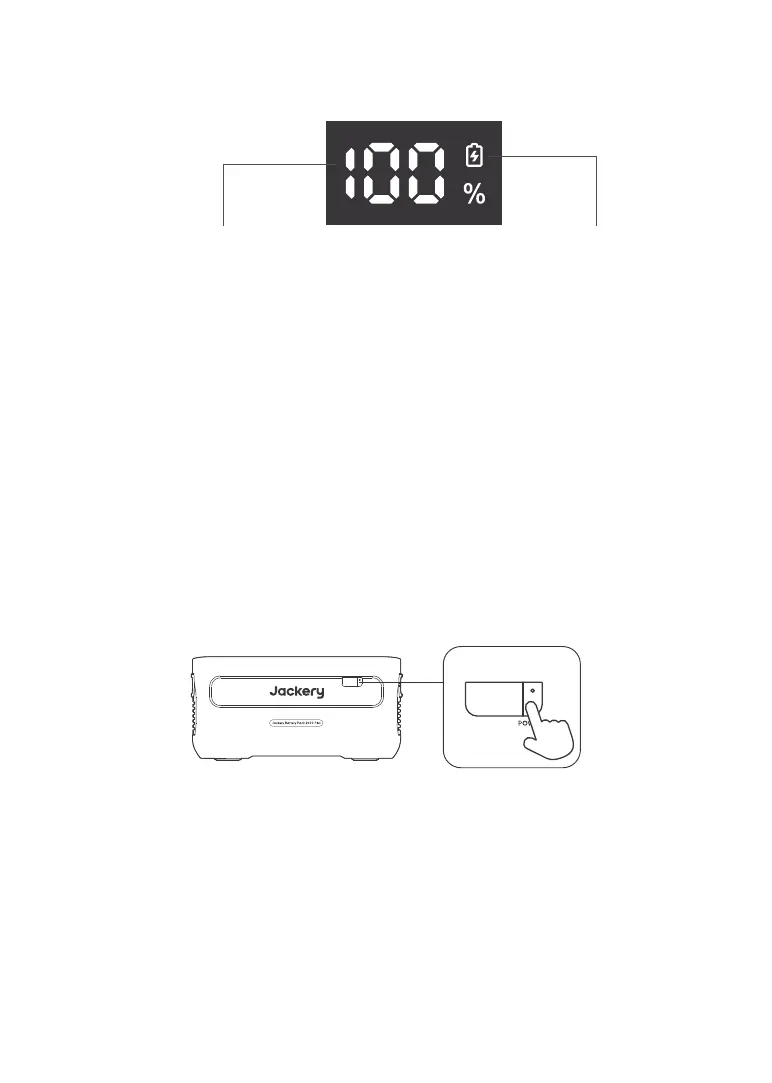
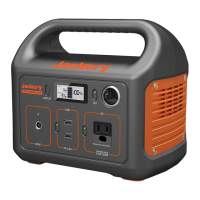
Press the "Main Power Button" and the LCD display is illuminated. If you want to turn o the main
power, please press and hold the "Main Power Button" until it turns o.
LCD Display On/O
When you press the "Main Power Button" or when charging the product, the LCD display is
illuminated, and when you press it again, the display will turn o.
Notes:
1. When using with Jackery Explorer 2000 Plus, you can control the power on or o of Jackery
Battery Pack 2000 Plus through the "Main Power Button" of Jackery Explorer 2000 Plus.
2. If there is no discharge output or charging input, the product will automatically shut down
after 2 hours.
BASIC OPERATIONS
LCD DISPLAY
Power Percentage/Fault Code Charging Indicator
Power Percentage/Fault Code:
The power display percentage of the current power value. When the system fails, it will be
displayed as the corresponding fault code F0-FF. If the FF code appears, please remove the
load and the product can recover by itself, if not, please contact after-sales service. In case of
any other code appears, please contact our after-sales service.
Charging Indicator:
The indicator is displayed when charging and disappears when it is fully charged.
POWER


 To Next Page