15
13
1110
EPS
18
12
Wi-Fi
16
Bluetooth
17
14
8
7
9
5
4
1 2
6
3
12
14
13
15
16
17
18
11
10
9
8
7
6
5
4
1
2
3
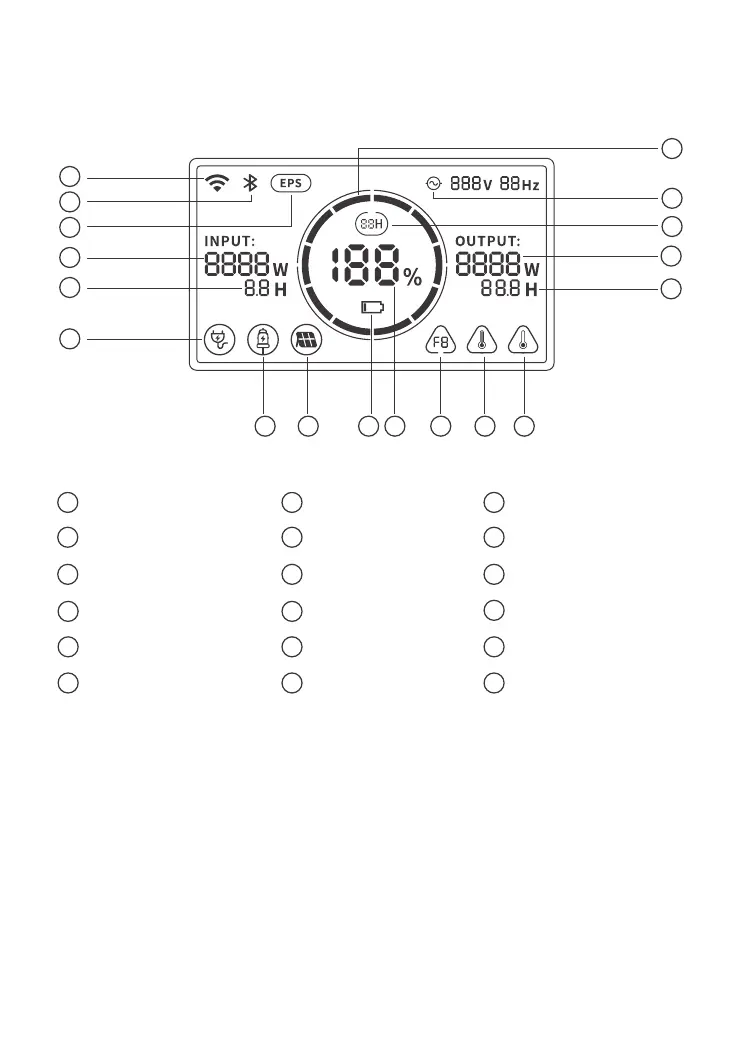
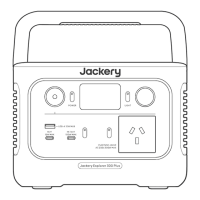
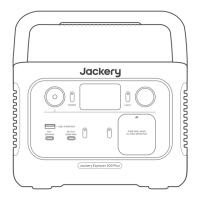
LCD DISPLAY (Jackery Explorer 300 Plus)
Input Power Remaining Charge Time
Solar Charging Indicator
AC Wall Charging Indicator
Car Charging Indicator Low Battery Indicator
Remaining Battery Percentage Fault code High Temperature Warning
Low Temperature Warning Remaining Discharge Time Output Power
AC Power Indicator Battery Power Indicator
03
Energy Saving Mode
EPS: Emergency Power System.
Once you have connected the mains and the AC input port of the product via the AC charger
cable, you can use the AC output port of the product to power your unit (at this point the AC
power comes from the mains, not the battery of the product). In the event of a sudden loss of
mains power, the product can automatically switch to battery mode within 20ms. Since this is a
non-professional UPS function, it does not support 0ms switching. Do not connect to equipment
with high uninterruptible power requirements such as data servers and workstations. Please test
several times to confirm compatibility before use and it is recommended to connect to only one
device. Do not use more than one unit at a time to avoid triggering the overload protection.
Failure to follow these instructions may result in equipment failure or loss of data for which we
cannot be held responsible.







 To Next Page