When the power station has something wrong with AC/DC/USB Output, please
hold the display power button and USB button simultaneously for 8S above to
reset the battery.
Using Jackery solar panel to charge the E300:
•Please kindly check if all connections are ok.
•Please use the provided AC charger to charge to see.
•Please use a soft cloth to remove the dust and dirt on the surface.
•Please test under midday strong sunlight. Connect the solar panel, make sure there
is no shadow cast on the panel. You can unplug and plug for several times to see.
Using other brand solar panel to charge the E300:
•Please kindly check if all connections are ok.
•Please use the provided AC charger to charge to see.
•Please use a soft cloth to remove the dust and dirt on the surface.
•Please test under midday strong sunlight. Connect the solar panel, make sure there
is no shadow cast on the panel. You can unplug and plug for several times to see.
If E300 can be recharged by AC charger well , it shows that there is nothing wrong
with the E300 and please check if there is a problem with the solar panel.
PROBLEM WITH SOLAR CHARGING
Problem with Output(AC/DC/USB)
If the LCD screen can't work, or the shown input or output number is inaccurate,
please try to hold the display power button for 8s to reset the battery and try to
charge to see.
Problem With LCD Screen
Customer Support:
If there are some problems with the power station, please feel free to contact us at
hello@jackery.com. Please send the messages according to the template to move
forward your issue faster. Amazon order number/ Web order number + issue + S/N
code + Pictures / video if needed
FAQ
Q3: Can the E300 be used as UPS?
A: No, the E300 can't be used as UPS, need to press the power button to turn on the
AC/USB /DC output,so it can't turn on and off automatically.
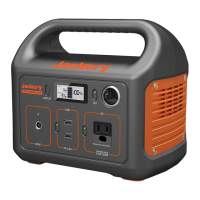
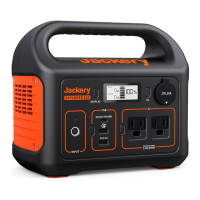
Q1: What devices can Explorer 300 power?
A: Please note that the AC output port can only charge/power devices that
operate at less than total 300 Watt.
Q2: Can the Explorer 300 be charged while using?
A: Yes, Explorer 300 supports pass-through charging. But we don't suggest, it will
cause damage to battery life.
06
US







 To Next Page