HOW TO RECHARGE THE POWER STATION
& RECHARGE TIMES
Before use or storage, plug your Explorer 300 into the wall until it is fully
charged.
If the LCD screen shows less than 20% capacity, plug it into a power source, like
an AC outlet or a solar panel, as soon as possible.
YOU GET THE POWER STATION, WHAT YOU SHOULD DO
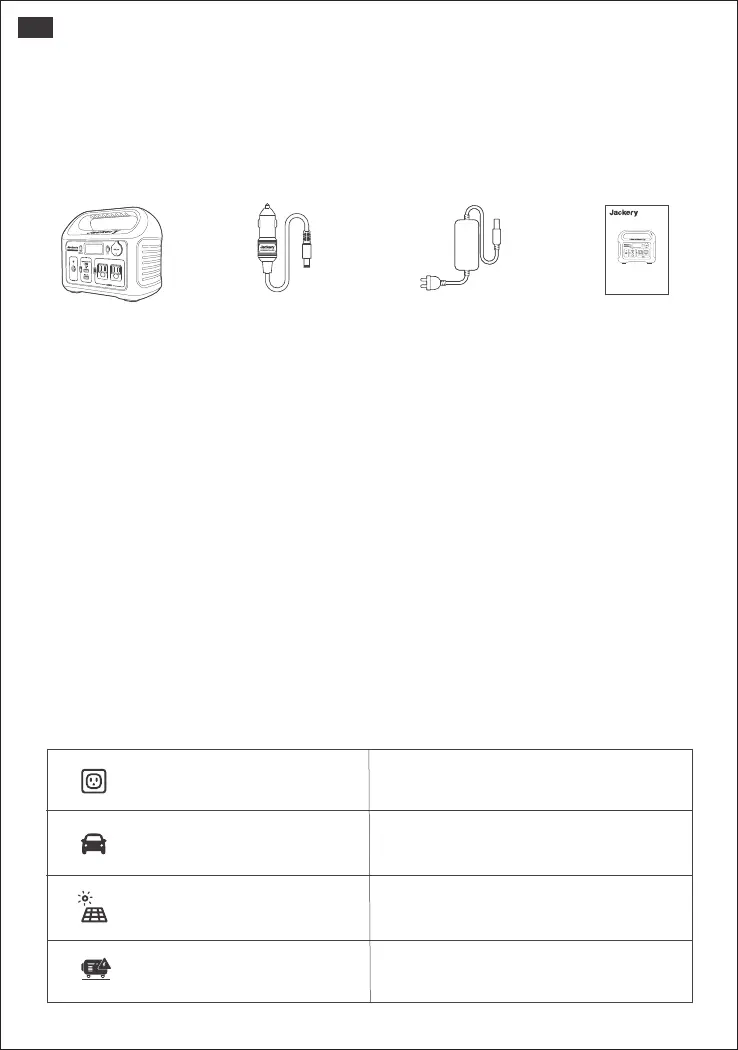
PACKAGE LIST
PRODUCT INSPECTION
•Please kindly check if the one you get is the same as one you ordered.
•Please kindly check the appearance of the product first to see if there is damage
or cracks.
•Please kindly test the power station to see if it can input or output well.
*Note: Charge first- before using your new Jackery Explorer 300 , plug it into a
suitable power outlet until it is fully charged.
Please kindly check all accessories are complete (Car charger cable,AC&AC
charger cable, User manual).
If any charger cables missing, please feel free to contact us at: hello@jackery.com.
RECHARGE TIME
Wall Charger
Around 4.5 Hours
Around 5 Hours
Around 4.5 Hours
100W Solar Panels (Optional)
Around 5.5 Hours
(Depending on Weather)
Car Charger
Electric Generator
Contact us:
hello@jackery.com
1-888-502-2236(US)
USER MANUAL
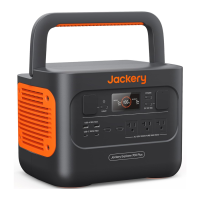
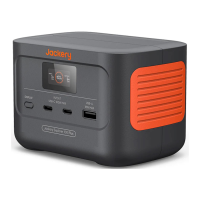
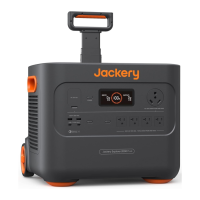
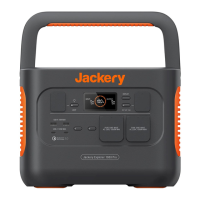
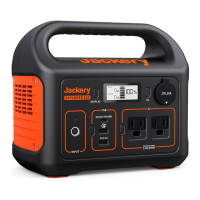
Jackery Explorer 300
Version: JAK-UM-V1.0
Model: Explorer 300
Jackery Explorer 300 Car Charger Cable AC & AC charger Cable (2 Parts) User Manual
02
US







 To Next Page