Note: For power saving, Explorer 300 portable power station will be turned off
automatically in 12 hours when being drawn under 10W power.
•Power
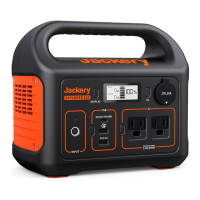
LCD Screen Button
AC Button / DC 12V Button /USB Button
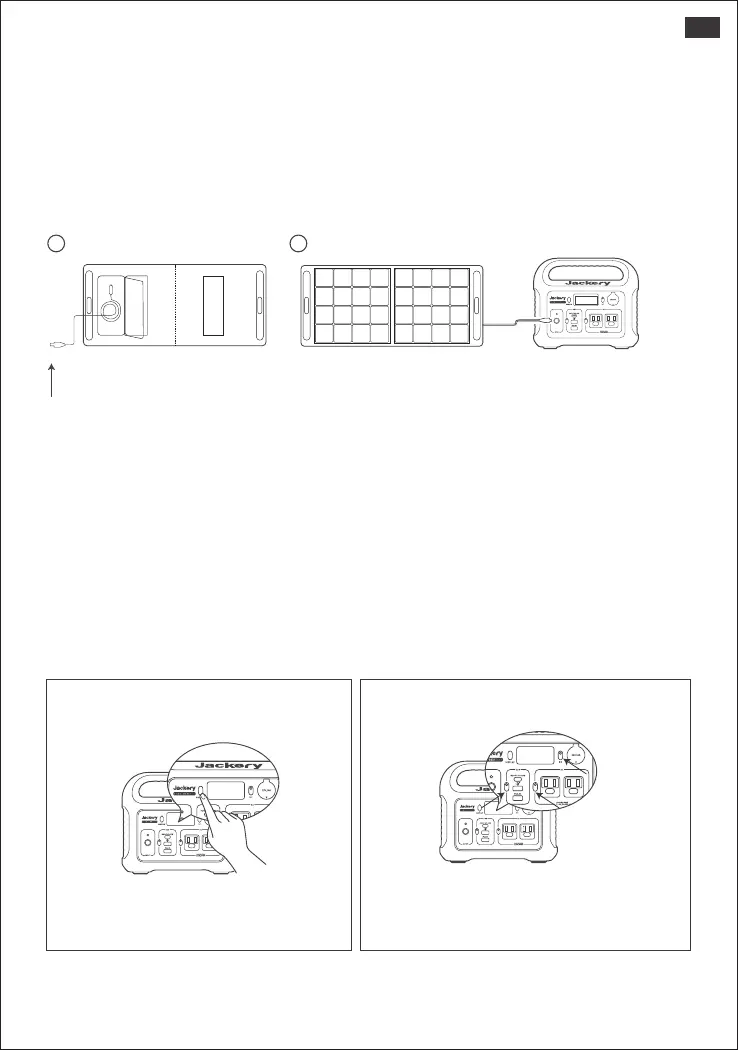
Turn off each output by pressing its power
button, also turn off as it will not turn off
automatically or it will drain the battery out.
Press the power button to check the
remaining battery.
How to check the E300 is full charged?
The display screen shows 100% when fully recharged.
Start use the Explorer 300
HOW TO USE THE POWER STATION?
HOW TO USE THE SOLARSAGA 100 TO CHARGE THE E300
Jackery recommends Best Match: Use one Jackery SolarSaga 100 solar
panels to charge the E300.
Solar recharging steps:
A.Find the DC interface on the back of SolarSaga 100;
B.Connect the DC interface of SolarSaga 100 with the DC input of Explorer 300.
BA
SolarSaga 100
Explorer 300
DC interface
SolarSaga 100
03
US







 To Next Page