23
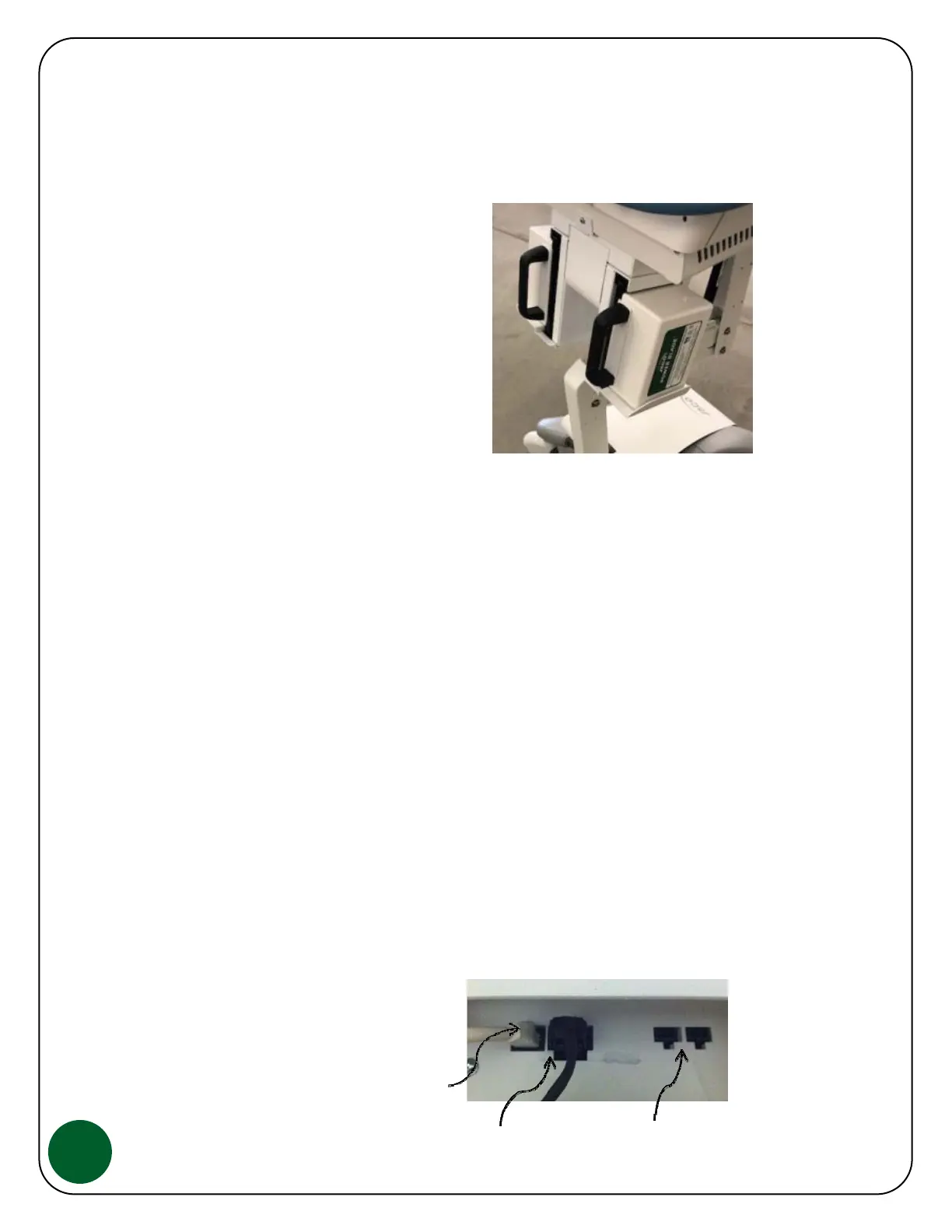
To insert one or two JACO Power Blade Battery Packs into the Cart Controller, simply
insert into the Cart Controller top and bottom guides for alignment and push inward.
As you push the Battery Pack into position, make sure it is fully engaged into the
connection. To remove, grab the handle and pull the Power Blade Battery Pack out.
Note that when two Power Blade Battery
Packs are installed in the Controller, one
rear facing status LED will blink every 6
seconds. This is normal and used as an
indicator as to which Power Blade Battery
Pack is providing power. If two charged
Power Blade Battery Packs are installed,
power will switch instantly from one to the
other when one Power Blade Battery Pack is
removed.
LED Charge Capacity Status:
Each Battery port has two LED indicators that show approximately how much battery
charge is remaining. The LED indicators are located at the front and rear of the Cart.
This simple LED readout reports approximate battery charge as follows...
* 100% to 21% Charge on Battery Pack - Solid Green LED
* 20% to 11% Charge on Battery Pack - Solid Amber LED
* 10% to 1% Charge on Battery Pack - Blinking RED LED
* No Charge Remaining - Solid RED LED
NOTE: If both Power Blade Battery Packs show RED (fully drained), the Cart will
"beep" as a warning. This will continue for several minutes. Replace at least one with
a charged Power Blade Battery Pack within this warning period to prevent the on-
board computer & monitor from shutting down.
Input/output Connections, use only for stated connection:
NOTE: Controller board as viewed from
inside Cart Top Assembly, rear section
Cat5 Cable to front Status Panel


 To Next Page