26
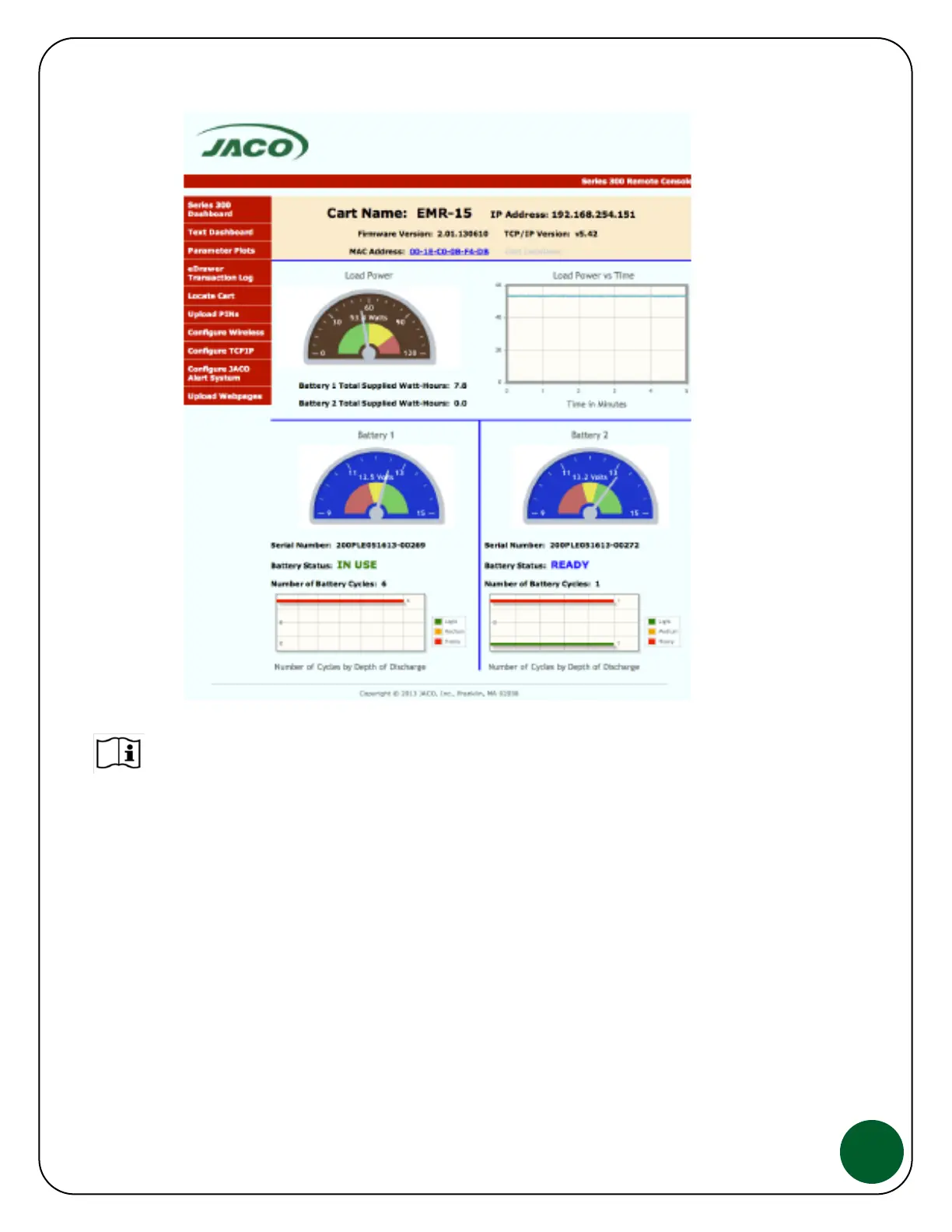
For complete details on how to set-up, access and use the Power Monitoring &
Control wireless reporting features reference our technical guide, JACO Hot-Swap
Power Monitoring & Control which is available through your JACO contact.
Basic Troubleshooting
Hot Swap Cart has no power, however Cart battery status LEDs in both the
front and back of the cart are working.
Check the inverter for the green light next to the AC outlet on the inverter.
Check all cable connections to and from the Inverter, ensure they are secure.
Remove the batteries from the Cart Carrier, replace with 2 fully charged batteries.
If there is power, the previous batteries need to be charged.


 To Next Page