5
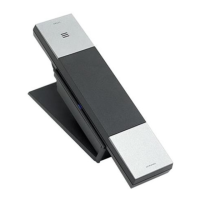
A.4 Picking up the handset
B. CONFIGURE THE PHONE THROUGH WEB INTERFACE
B.1 IP address broadcast
Off-hook status, continually press button four times will enter the voice
menu. Press 1 (network setting) then press 2 (WAN port IP address), the obtained IP
address will be broadcast.
Note: There is no voice broadcast function for Line 2.
B.2 WEB interface
Input the obtained IP address to launch WEB interface
.
Type in user and password to log in WEB interface.
Note:
1) The user and password in initial management mode is ‘admin’. For user
mode, the user and password is ‘user’. Management mode can check all WEB
information details, user mode can only check partial information.
2) The default network mode is DHCP. Once the phone is connected into the
network environment with DHCP service, it can get online automatically
B.3 WEB interface function description
B.3.1 Phone status
Product Information It shows the basic information of the product.
Line Status It shows the registration state of each line.
Network Status It shows the information of Internet Port WIFI and PC port.
Wireless Info It shows the current WIFI setting and status.
System Status
It shows the current time and the running time of the
product.


 To Next Page