QUICK START GUIDE
en-7
CONTROLS
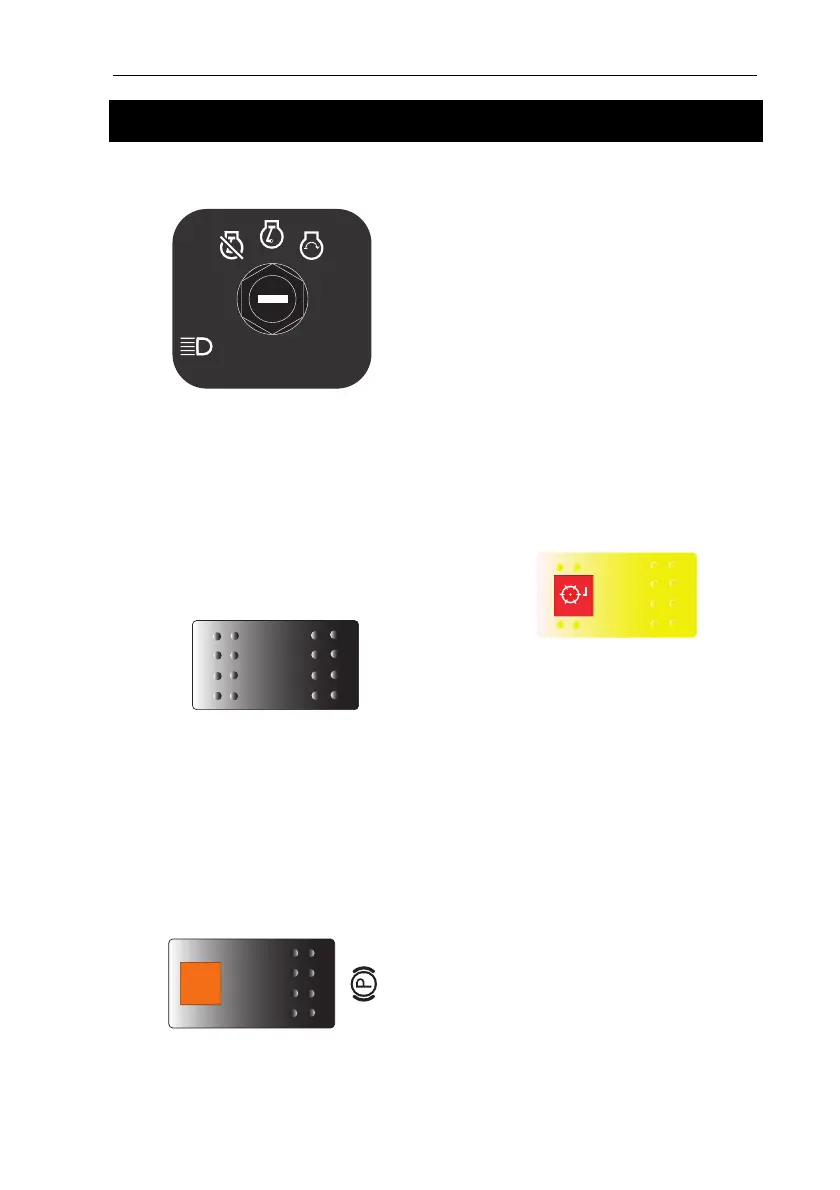
STARTER KEY SWITCH
Turn the starter key to the right to start the
engine. Release the key to return
automatically to the 'on' position for normal
operation.
NOTE: Before the engine starts, the glow
plugs automatically preheat.
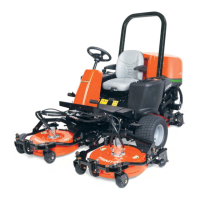
LIGHT SWITCH
Turns the work lights “On” and “Off”.
Push the top of the switch to turn the lights
ON.
Push the bottom of the switch to turn the
lights OFF.
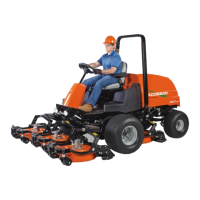
PARKING BRAKE SWITCH
Move the orange button back and press the
switch to engage the parking brake.
PARKING BRAKE SWITCH CONTINUED
Move the orange button back and press the
switch to engage the parking brake.
When the engine is stopped, the parking
brake is applied.
To release the parking brake, press the
opposite end of the switch.
The parking brake icon is displayed on the
multi function gauge screen when engaged.
DO NOT apply the brake while the
machine is in motion.
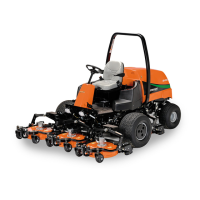
MOW SWITCH
The mow switch engages the cutter rotation.
To cut grass, push the front of the “Mow
Switch” (Red Lens End) and press the top
end of the “Lift/Lower Switch” to lower the
cutting units. When engaged the red lens
will illuminate.
To stop drive to the cutting units, push the
bottom of the rocker switch (Opposite end to
the red lens).
NOTE: When the cutting units are raised
above 400mm from the ground or when
the operator leaves the seat, blade
rotation is stopped.
4374506


 To Next Page