QUICK START GUIDE
en-8
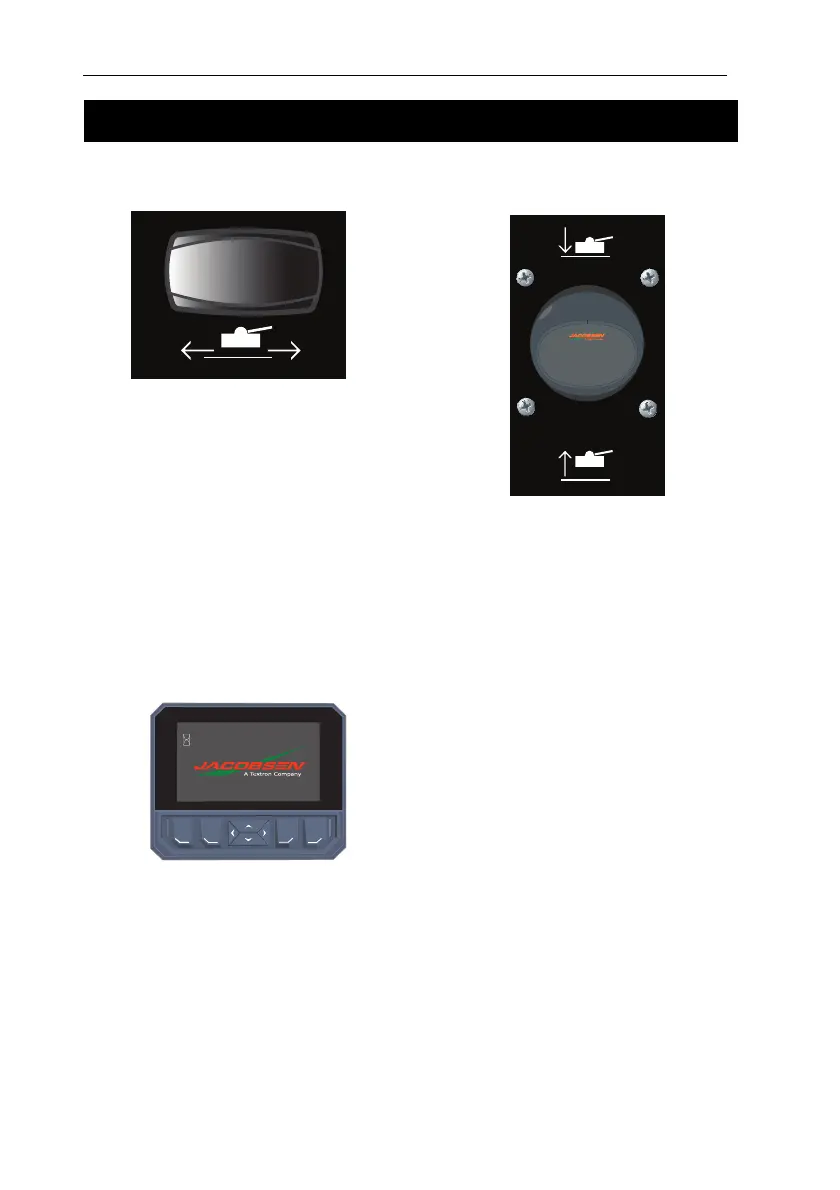
SIDE SHIFT SWITCH
The side shift switch shifts all the cutting
units to either the left or right.
Push the left side of the switch to shift all
three cutting units to the left.
Push the right side of the switch to shift all
three cutting units to the right.
NOTE. The cutting units MUST be raised
into the “Cross Cut” position before
using this function.
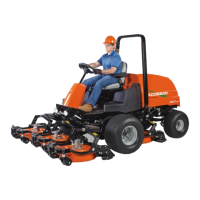
MULTI FUNCTION GAUGE
The visual display is activated when the key
switch is turned to the “On” position.
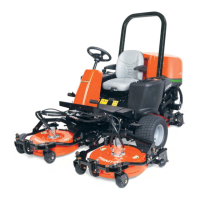
LIFT/LOWER JOYSTICK
The lift/lower joystick controls the cutting
units lift and lower. The lift/lower joystick
operates in One-Touch or manual mode.
Push the lift/lower joystick to lower the
cutting units or pull the lift/lower joystick to
lift the cutting units.
The One-Touch or manual mode is set on
the display.
Manual Mode - When One-Touch is
disabled, the cutting units will lift or lower
only while the lift / lower joystick is either
pulled or pushed.
One-Touch Mode – With One-Touch mode
enabled and the Mow Switch on, push and
release the lift / lower joystick to lower the
cutting units to the ground and start the
cutting unit reels.
CONTROLS


 To Next Page