QUICK START GUIDE
en-12
START UP
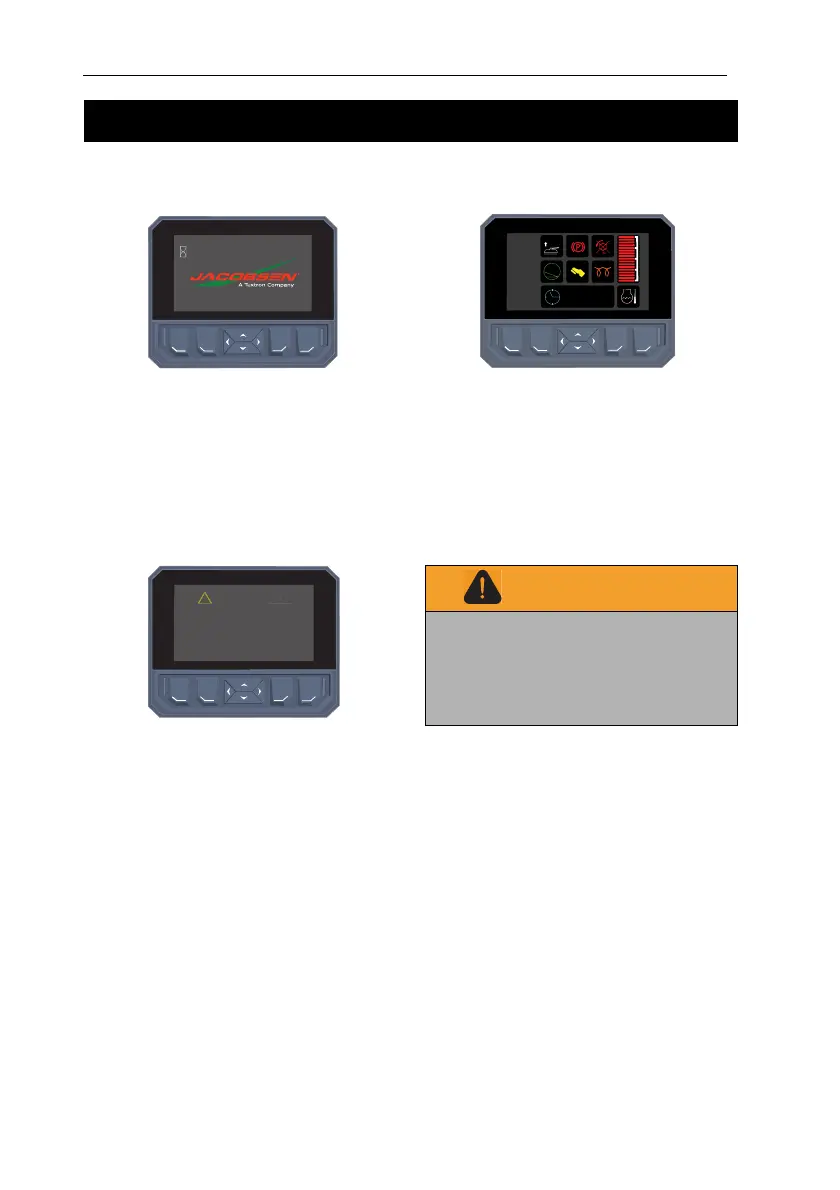
When the key switch is turned to the ‘Run’
position, this screen is shown.
The hour meter will show total hours of
engine operation.
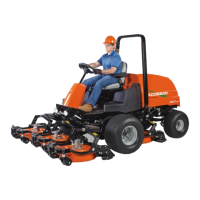
WARNING/SERVICE SCREEN
After the initial start-up screen, the warning
screen is displayed for three seconds. If
there is no input required, the first screen
will become visible.
If a fault condition has occurred during the
previous start, a pop up screen will become
visible over the top of the warning screen.
The operator must confirm the fault before
they can move to the first screen.
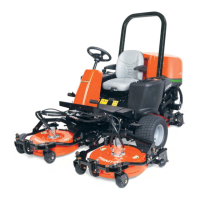
FIRST SCREEN
This screen shows the position of the
interlock switches, TST when in operation
and the coolant temperature.
The engine temperature gauge is on the
right side of the display. The colour changes
from green to red as the temperature
increases.
WARNING
If incorrectly used this maching can cause
severe injury. Those who use and maintain
this machine should be trained in its proper
use, warned of its dangers and should read
the entire operators manual before attempting
to set-up, operate, adjust or service the
machine.
WARNING
The slope monitoring system “TST™”
(tilt sensor technology) is a slope angle
warning system only. It does not
increase the safe working slope beyond
that of the declared safe slope.
VISUAL DISPLAY
TST
™
12 : 34 : 56
0.0 Hours


 To Next Page