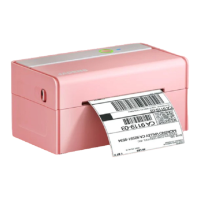
Before printing, please make sure
the size of thermal labels you load,
and the size settings on devices are
same.
Note:
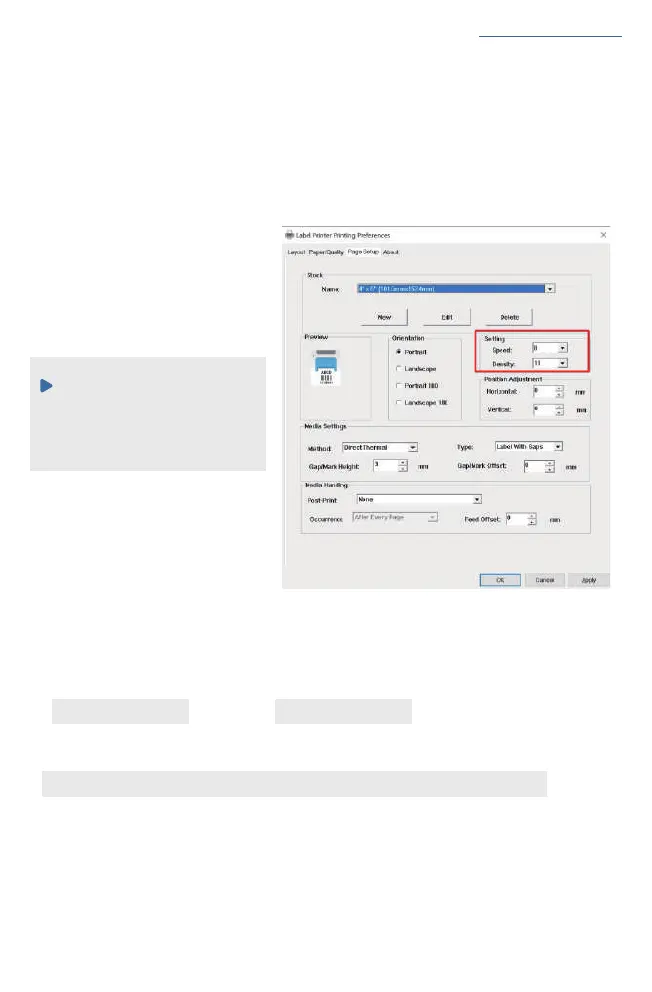
c. Preview and check the setting you want, such as print size, print density. Then click 'print'.
If you don't have PDF Editor, please search' Bartender' on support.jadens.com to get the
coresponding solution or directly contact us.
Customer support is available for all your questions through email and hotline
support.jadens.com phone:1-800-752-7660
See FAQ at support.jadens.com
b. You can go to 'properties', in this dashboard, you can set the page size,
printing speed and printing density too.
8.2. Printer preference setting for MAC
In this step, we will show you how to set the print preference helping you print out well
a. Open a sample PDF file in size of 4*6inch,click print.


 To Next Page