Need help?
Do you have a question about the Jadens JD-468BT and is the answer not in the manual?
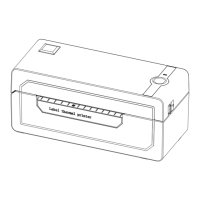
Details the various physical parts of the printer.
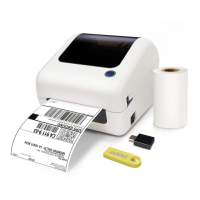
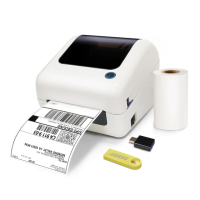
Lists all items provided in the printer package.
Step-by-step guide to connect the printer to power and computer.
Specifies the compatible label width and length ranges.
Instructions on how to properly insert and load label rolls.
Guide to install the printer driver on Windows operating systems.
Steps to connect the printer via USB and configure the port.
How to check if the printer is correctly installed in Windows settings.
How to match the printer's COM port with the Bluetooth connection.
Guide to install the printer driver on macOS.
Adjusting macOS security settings to allow driver installation.
Adding and configuring the printer in macOS system preferences.
Final steps to add the printer to macOS.
Configuring print options like page size and quality on Windows.
Adjusting paper settings for optimal print results.
How to print a test page or sample file.
Configuring print options like density and speed on macOS.
Selecting page size for printing on macOS.
Adjusting darkness and print speed settings.
Instructions for downloading and setting up the smartphone app.
Using the snapshot function for unusual label sizes.
Step-by-step guide for taking snapshots in Windows.
Step-by-step guide for taking snapshots on macOS.
Instructions for uninstalling the printer driver on Windows.
Instructions for uninstalling the printer driver on macOS.
Explains the meaning of different LED light colors and patterns.
Lists key technical specifications of the printer.
Important safety guidelines for using the printer.
Step-by-step guide for cleaning the printer head.
 General
| Brand | Jadens |
|---|---|
| Model | JD-468BT |
| Category | Label Maker |
| Language | English |

 To Next Page