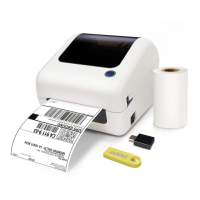
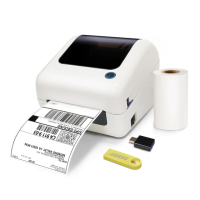
See FAQ at support.jadens.com
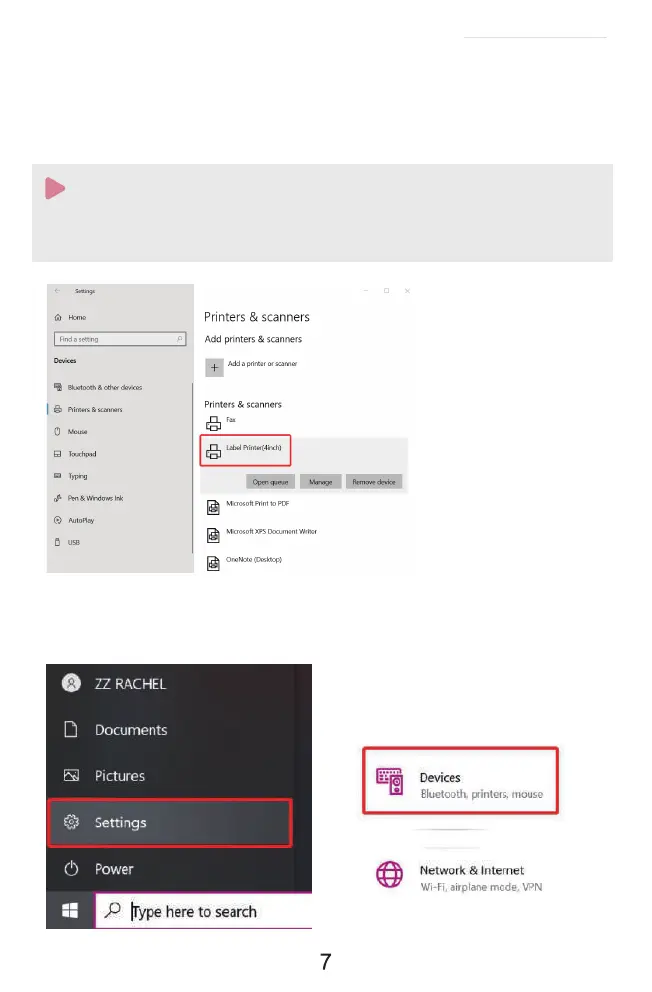
a.(Keep the printer and computer connected with USB cable). Click' Setting' >' Devices' >
'Bluetooth & other devices' >' Add Bluetooth or other device' .
:
c.After setting up the printer, check your computer if the printer has installed or not.
Go to the ' Setting'> click' Device' >click' Printer & scanners' , and then you will find the printer '
Label Printer(4inch)' . Click ' Manage' to print a test page and print labels successfully, that means
you have set up the printer successfully.
If you can' t print successfully, please restart your computer and printer, then install driver again.
Repeat installation will create duplicate copies of the printer in your operating system
such as '' Printer(4inch)(1,2�) ' . Only keep and use the latest one you install.
Note:


 To Next Page