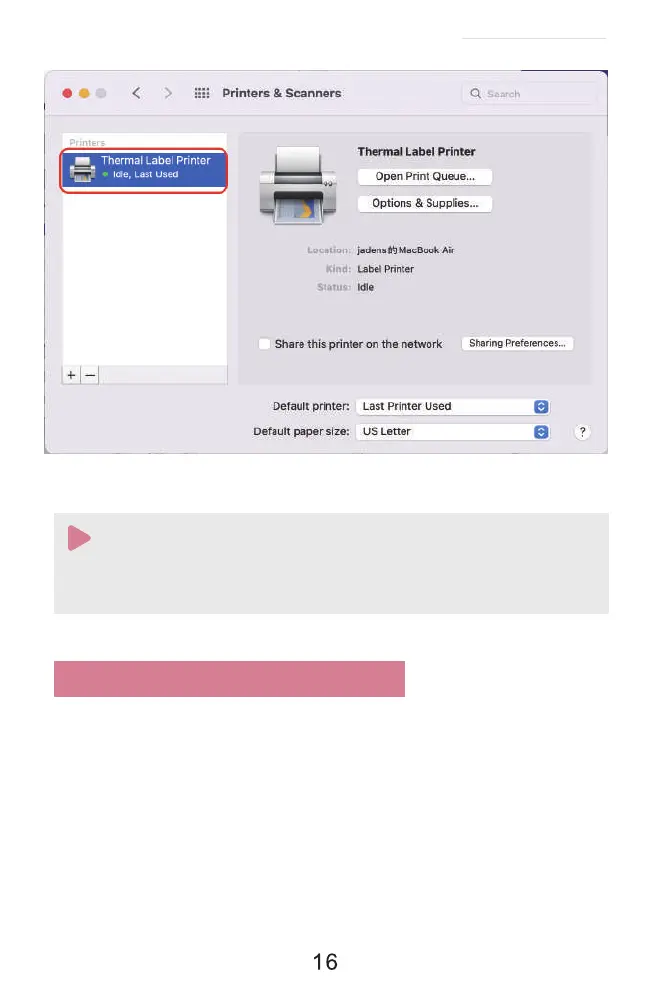
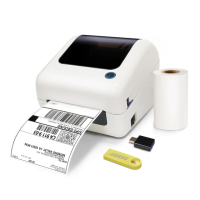
1. Now you can print directly, if you want to adjust the printing density, printing speed or
other parameter, please refer to 'part 8 Printer preference setting'.
2. If you can't print seccessfully, please restart your computer and install driver again.
Note:
8. Printer preference setting
8.1. Printer preference setting for windows
(1)Setting the paper quality
Go to the 'Setting'>> click 'Device'>>click 'Printer & scanners'>>find the printer 'Label Printer'
>>Click 'Manage'>> click 'Printer Preference'. In this part, you can set the print page size and print
speed and density of the label.
a. Go to 'Page Setup'. According to the label size, choose the corresponding page size. Generally,
most shipping labels are 4"*6" size.
See FAQ at support.jadens.com


 To Next Page