JIF-2002 WEIGHING INDICATOR&CONTROLLER
35
4-6 RESTORE SYSTEM PARAMETERS
Restoration can be used when system failed or human operation error
happens.
L Restoration will not restore set-point parameters.
⌦System Parameter:
includes functions FXXX, Calibration parameters, disable keys.
⌦Set-point Parameter: includes Final, SP1, SP2, Free Fall, Hi, Lo.
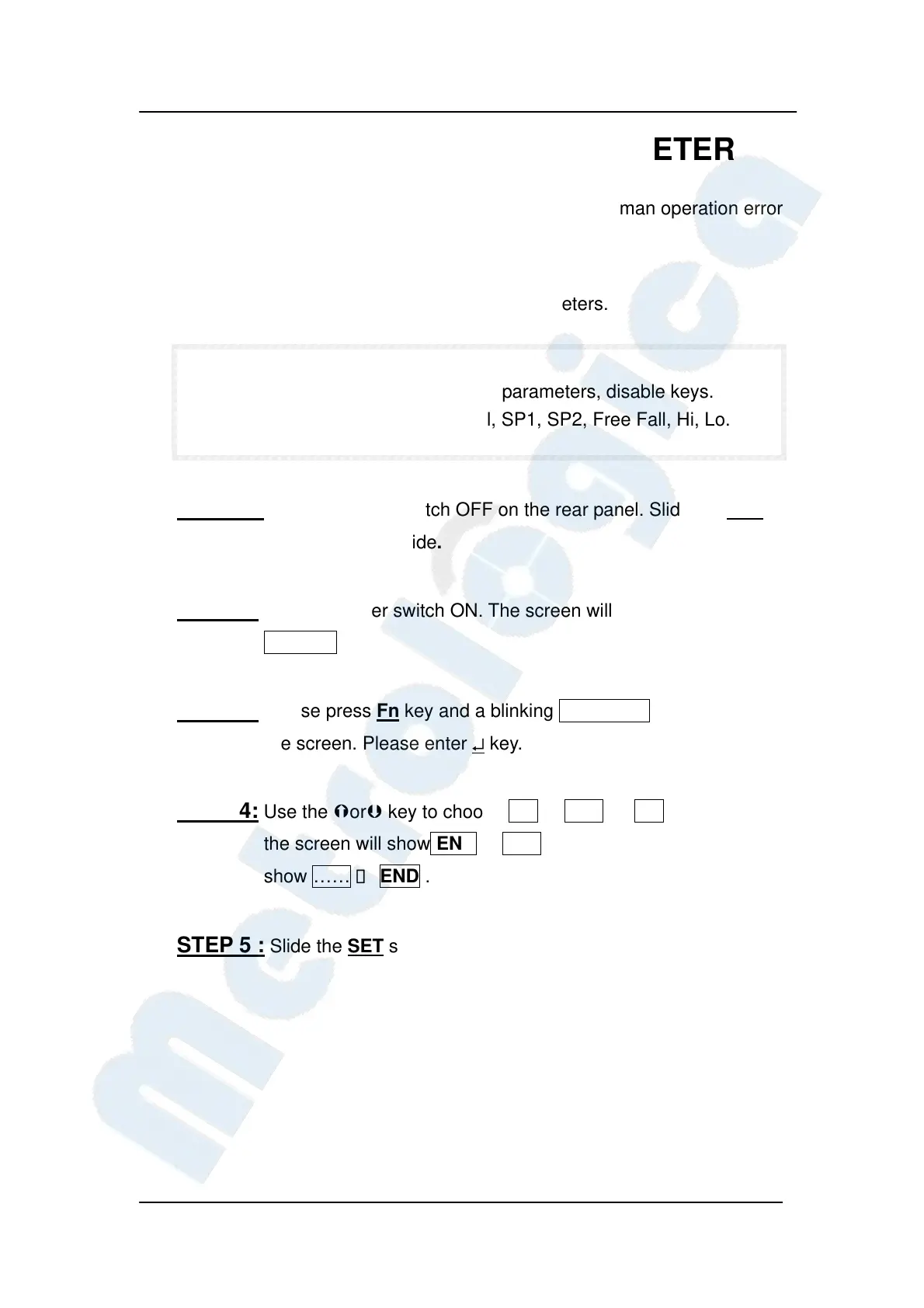
STEP 1: Turn the Power Switch OFF on the rear panel. Slide the SET
switch to the set side.
STEP 2: Turn the power switch ON. The screen will show blinking
SELECT.
STEP 3: Please press Fn key and a blinking RESTORE will show on
the screen. Please enter ↵ key.
STEP 4: Use the or key to choose NO or YES . If NO is entered,
the screen will show END. If YES is entered, the screen will
show ……→ END .
STEP 5 : Slide the SET switch to the original side for finishing the step.


 To Next Page
 Loading...