Quick Start Guide
1 Power Up
•PLUGINJAWBONEFOR50MINUTES
(
YES, THERE’S AN AC ADAPTER IN THE BOX
)
2 Pair
• PHONEBLUETOOTH®SETTING:ON
• JAWBONEAUTOMATICALLYGOESINTOPAIRINGMODEFIRSTTIMEON
• ALLOTHERTIMES:HOLD JAWBONE TALK AND NOISEASSASSIN™ BUTTONS: 2SECONDS
• INDICATORLIGHTFLASHESRED+WHITE
• PHONE:‘SEARCHFORNEWDEVICES’
• SELECTJAWBONE,ENTERPASSCODE‘0000’
3 Share
•MAKETHATCALL
(
GO CHANGE THE WORLD, WE KNOW YOU CAN
)
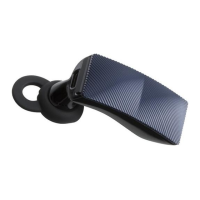
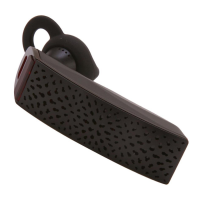
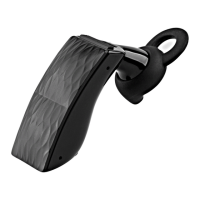
JawboneOverview
a NoiseAssassin Button
b Talk Button
n o t e Both Talk Button
and NoiseAssassin
Button are hidden
beneath the external
face of the headset. To
activate either button,
simply press on the
areas indicated above.
1 Charging
• YoucanchargeyourJawboneheadsetvia
thewallcharger,orviaUSBonyourcomputer.
• PlacetheJawboneheadsetinthesocket
withthejawbonelogofacingupward.
• Chargethebatteryfullyonfirstuse.
• Chargetime50minutes.
• 80%chargeafter35minutes.
• IndicatorlightisRED
whileheadsetischarging/WHITEwhenheadset
isfullycharged.
• IndicatorlightflashesREDwhenbatteryislow.
(continuetopage2)
c Voice Activity Sensor
d Earbud
e Earloop
The medium sized earloop and
earbud are already fitted to
yourJawboneatthefactory.

 Need help?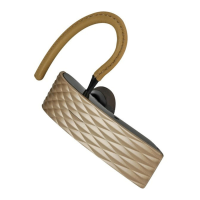

 To Next Page
 General