2 . 3 E N S U R E B E S T Q UALIT Y
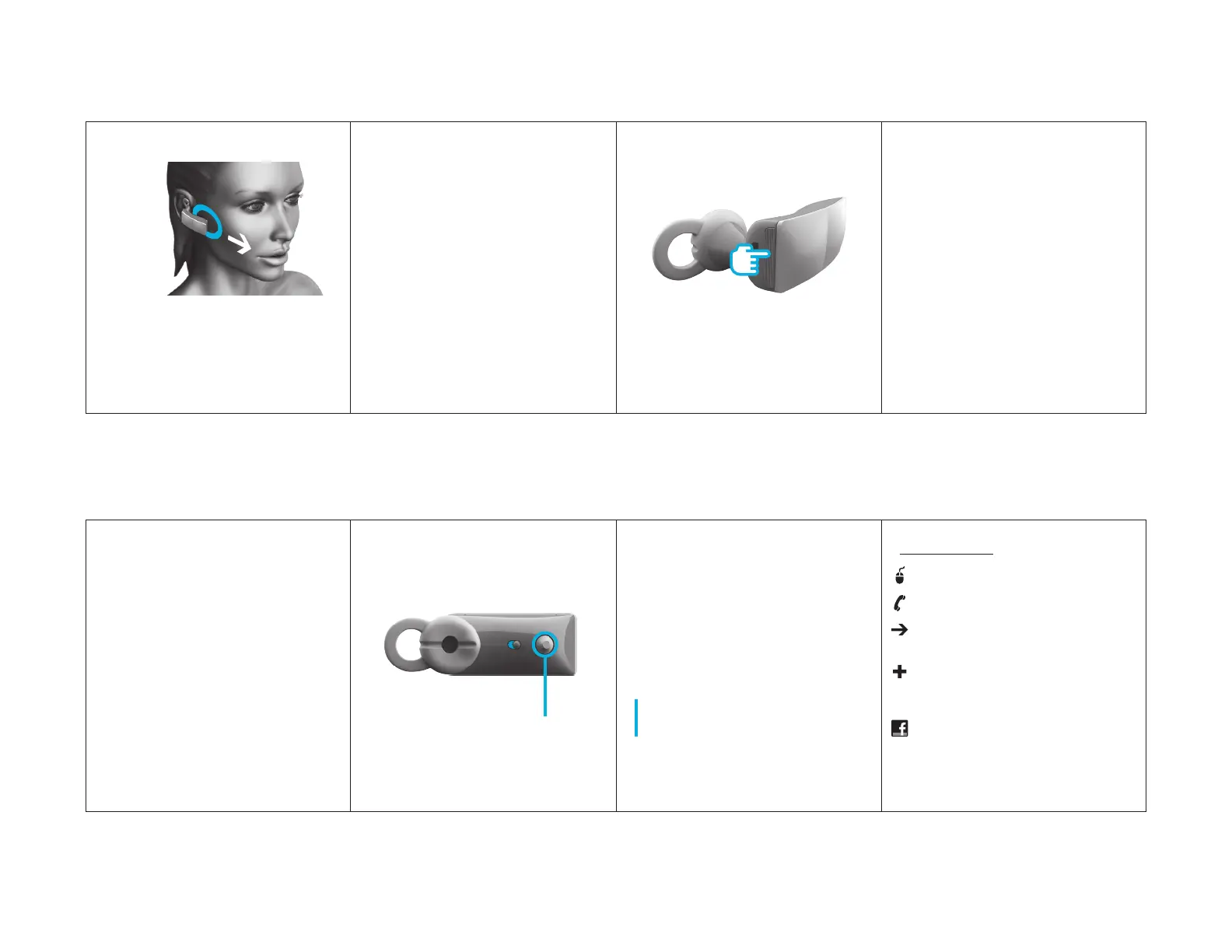
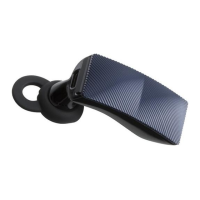
Jawbone works regardless of position,
but you will get the best performance
if the Voice Activity Sensor physically
touches your cheek.
VO I C E
AC T I V IT Y
S E N S O R
3
TALK
T A L K B U T T O N
3 . 1 TA K E A CALL
Press the TA L K B U T T O N on your
Jawbone to answer. When you are
finished talking, press the TA L K
B U T TON to hang up.
3 . 2 MA K E A CAL L
Use your phone to dial as usual. Listen
and talk through your Jawbone. To
hang up, just press the TA L K B U T T O N .
4
POWER UP,
ETC.
L E D
4 . 1 G E T J U I C E D
Your Jawbone is partially charged and
ready for use right out of the box.
W H E N B AT TERY L OW
The LED indicator flashes R E D .
FOR A FU L L CHAR G E
Plug it in.
N OT E It takes 40 minutes to get
your Jawbone 80% charged. A full
charge takes 90 minutes.
W H E N F U L LY C H A R G E D
The LED indicator turns W H I TE .
G E T MO R E H E L P ( IF YO U N E E D I T )
VISIT J AW B O N E . COM / SU P P O R T
C ALL 1 - 87 7 - AL I P H C O ( 2 5 4 - 7426)
G O TO JAWB O N E . CO M / WA R R A NT Y
for warranty info
P U R CHASE the official Jawbone
Car Charger and other accessories
at JAW B O N E . CO M
Become a fan of Jawbone
on Facebook®
VISIT J AW B O N E . C O M / FA C E B O O K
© 2 0 1 0 A L I P H C O M . A L L R I G H T S R E S E R V E D . 7 7 0 - 0 0 1 5 0 R E V H


 To Previous Page