36
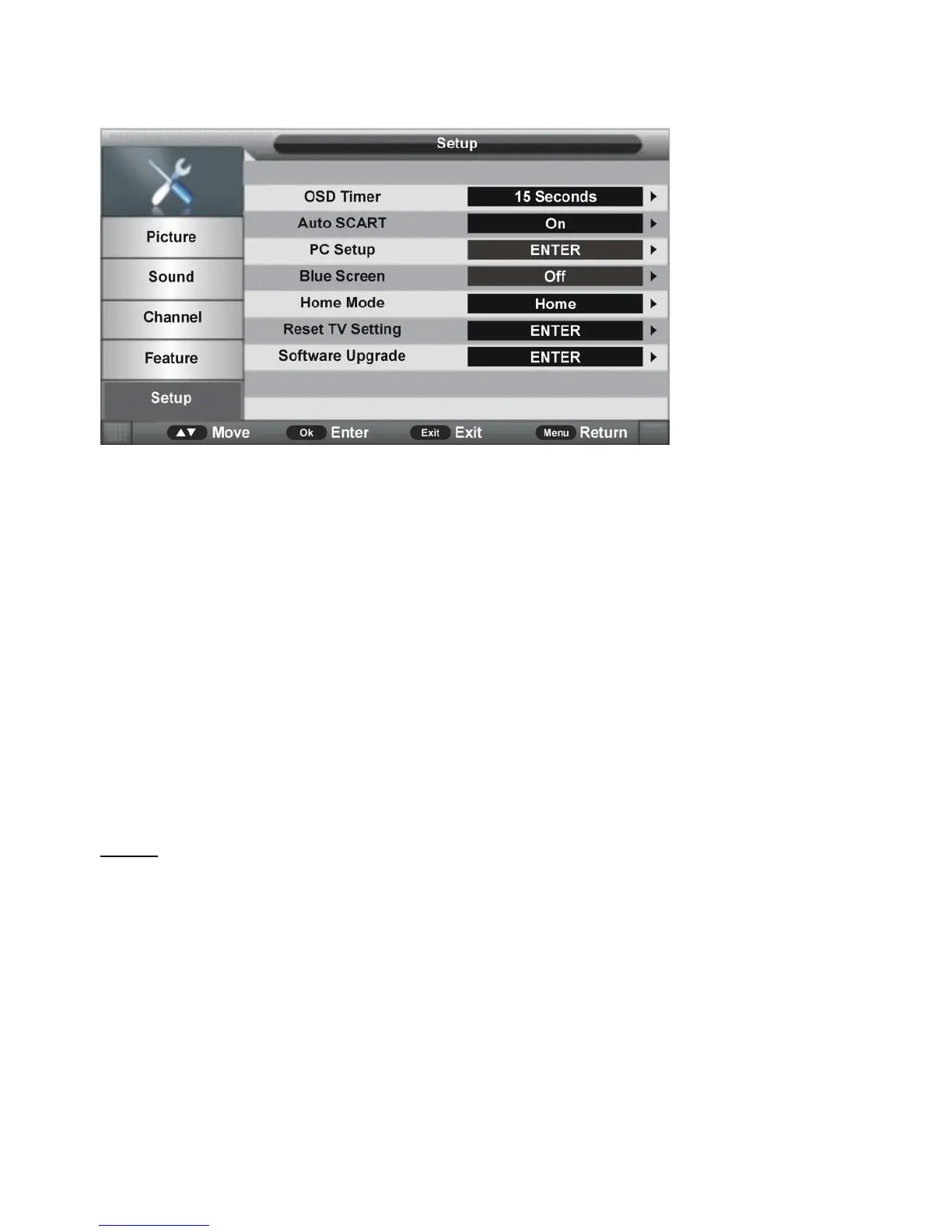
5. Setup
5.1 OSD Timer
Press OK or RIGHT navigation button to enter submenu and press UP/DOWN navigation
buttons to select preferred option.
Available options: 5/10/15/20/25/30 Seconds and Never.
5.2 Auto SCART
This item is used to turn on/off Auto SCART function. If Auto SCART is on, you can view the
programs by SCART automatically when SCART cable (not included) is connected.
5.3 PC Setup (for PC input source only)
This item is adjustable only with PC input signal.
5.4 Blue Screen
This item is used to turn on/off blue background function. The screen background will turn
blue at very weak or no signal condition, if Blue Screen is being set at ON.
NOTE: This item is not adjustable in DTV mode.
5.5 Home Mode
This item is used to select desired picture mode.
Available options: Home, Dynamic, Standard, Mild.
5.6 Reset TV Setting
This item is used to reset to factory default settings.


 To Next Page
 Loading...