6
PAIRING
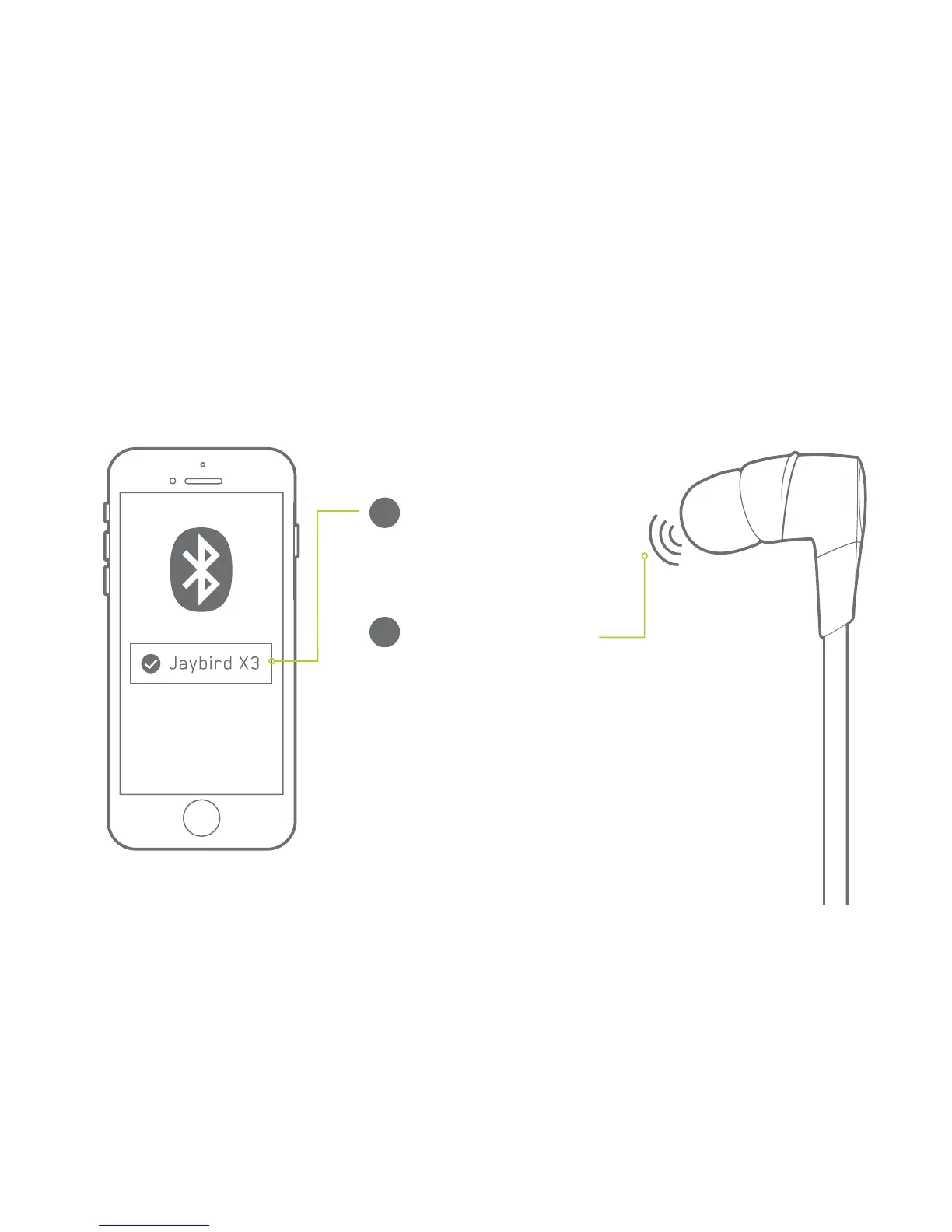
Select “Jaybird X3” in the
list of discovered devices.
C
X3 voice prompt will say:
“HEADPHONES CONNECTED”.
You are now ready to listen
to your music
D
If the pairing is not successful, switch
off your buds by pressing the Power
Button until you hear “POWER OFF” and
repeat the steps outlined above.
NOTE: When you turn your X3 buds on
for the first time or after a reset, they
will be in pairing mode.


 To Next Page