>> >>
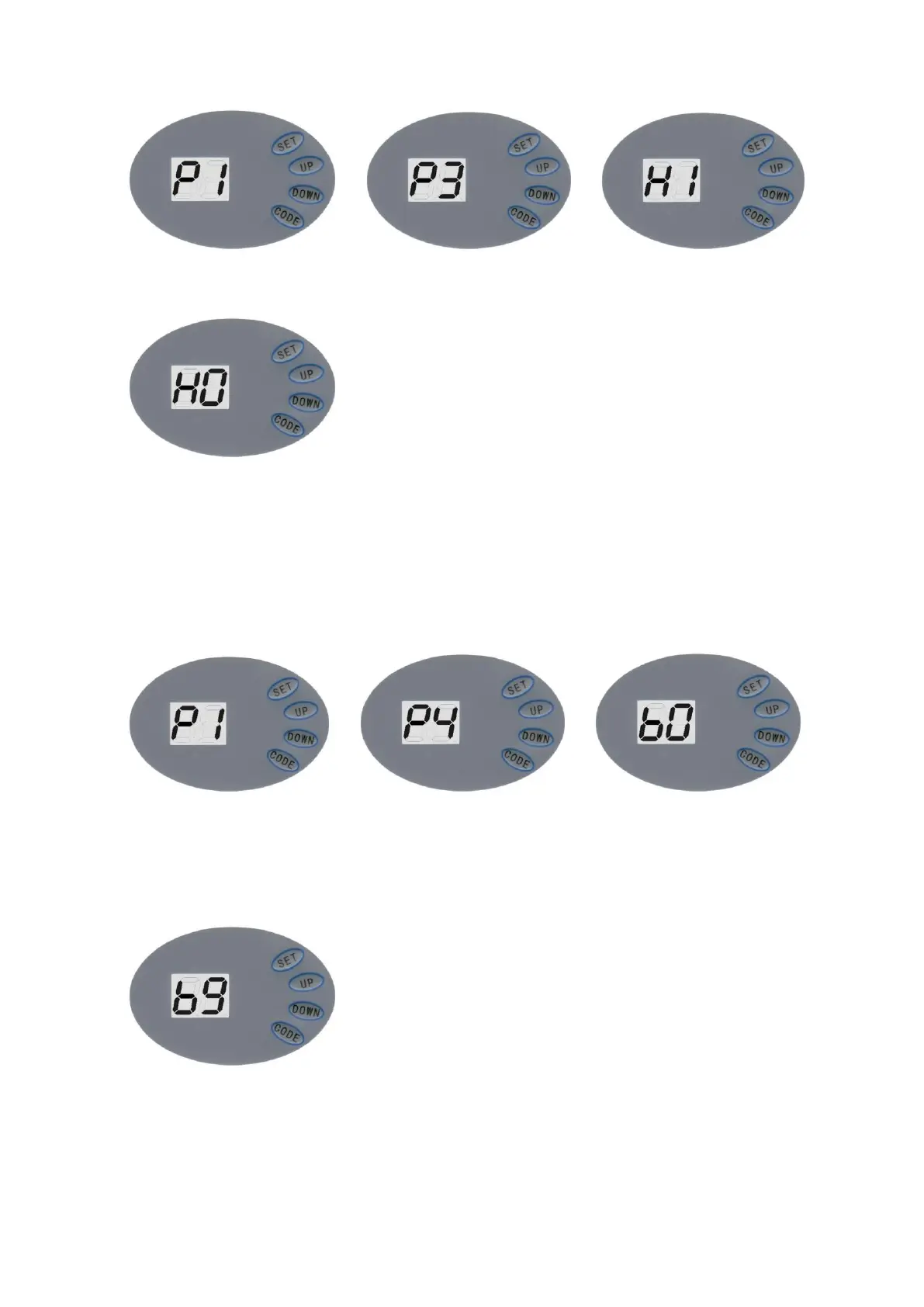
Press and hold SET, it displays “P1”, press UP twice, it displays “P3”. Press SET to show current
situation. Press UP once it displays “H1”, the photo beam is enabled.
Press down once, It displays “H0”, the photo beam is disabled. Press SET to confirm and quit.
Note: If you do not use photo beam device, please make sure it displays “H0”, to
close this function.
6.6 Auto-Close ON/OFF
>> >>
Press and hold SET, it displays “P1”, press UP three times, it displays “P4”. Press SET to show
current situation. Press UP to increase the Auto-close one minute and press DOWN to decrease
one minute. Maximum degree is “b9” and minimum is “b0”. Press SET to confirm. The default
setting is “b0”. ”bo” shows auto-close off.
6.7 Lock Door
When you use uncovered transmitters, it is recommended using lock door


 To Next Page