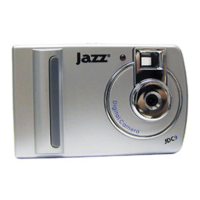
2.3 Taking photos
Turn camera ON and still picture mode (default mode) is ready to operate. When
pressing the shutter button, a distinct beep can be heard indicating photo has
been taken. The number displayed on the LCD screen is automatically reduced.
CAUTION: When light is low the camera needs more time to automatically adjust
exposure. The beep will only sound after a small delay, so please hold camera
steady during this time interval to avoid blurry pictures.
2.4 Sleep mode (automatic energy-saving)
The camera goes into sleep mode automatically after 30 seconds of inactivity (or if



 To Next Page