3.1 Installation of Arcsoft
3.1.1 Arcsoft PhotoImpression
Click <Arcsoft Imaging Software>, then <PhotoImpression> and then follow the
step-by-step instructions to complete the installation.
3.1.2 Arcsoft VideoImpression
Click <Arcsoft Imaging Software>, then <VideoImpression> and then follow the
step-by-step instructions to complete the installation.
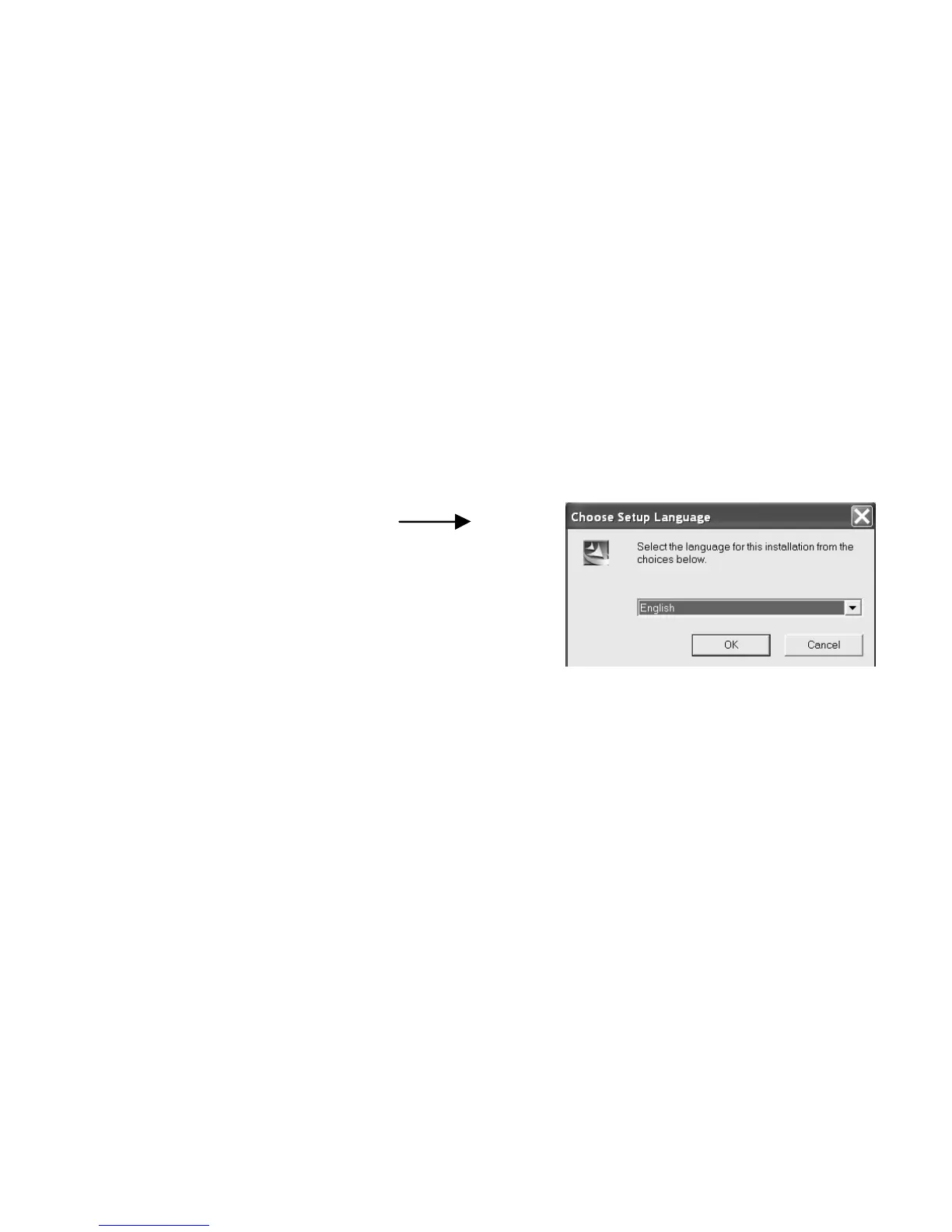
Install Arcsoft (Select language)
3.2 Installation of driver
Click on <Install DC driver> and follow the step-
by-step instructions to complete the installation.
After successful installation of driver, restart
your computer.
3.3 Downloading picture
Connect the camera to your computer with the USB cable. Double click <My
DSC2> on the computer desktop. Click on <My DSC2>. The interface will appear
on the screen.



 To Next Page