3
JB INDUSTRIES • SH-35N Quick Start Guide • 630.851.9444 • sales@jbind.com
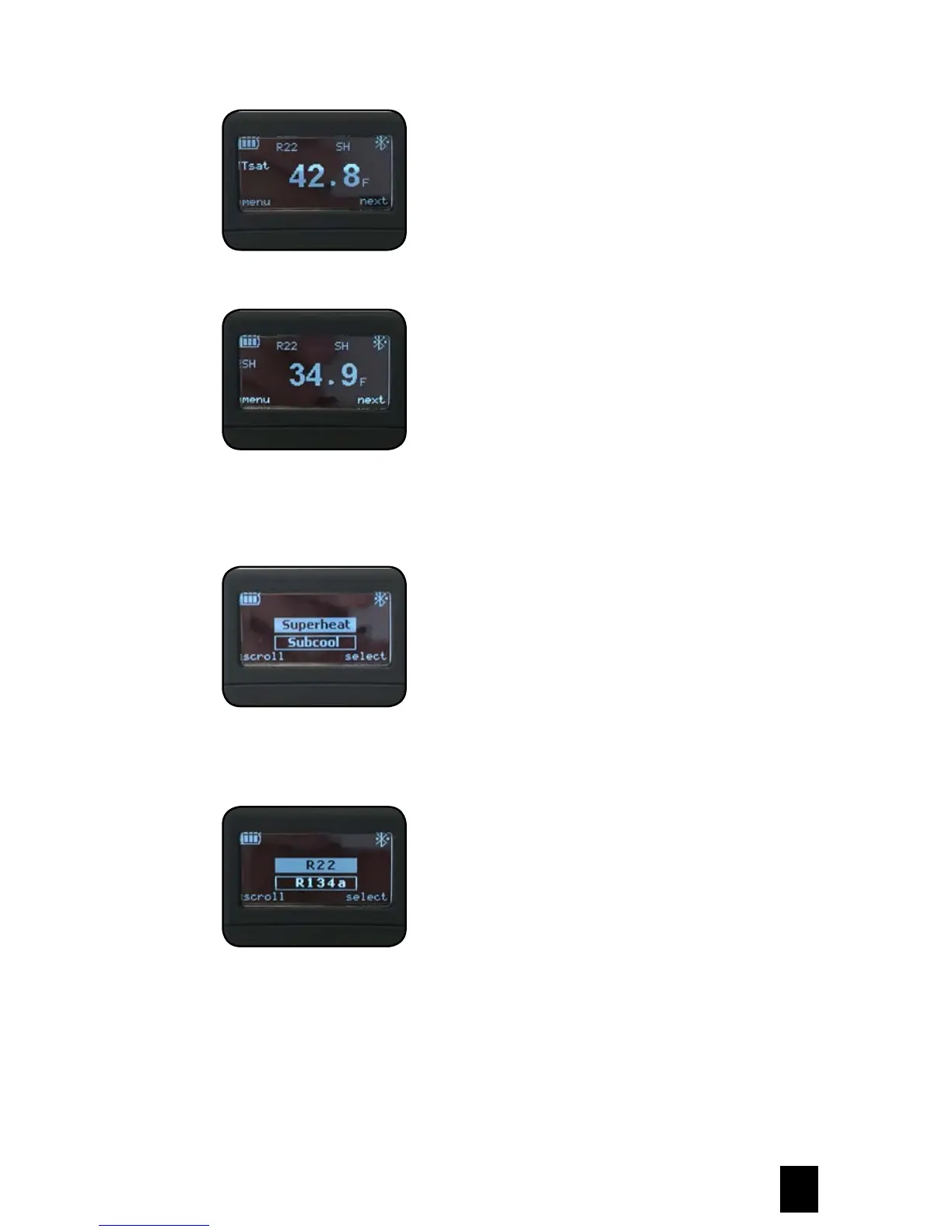
Saturation temperature for selected refrigerant at the given pressure
Calculated superheat or subcooling based on selection
Changing Measurement of Superheat or Subcooling
Press the Power Button to enter menu options. Press the Power Button again to scroll between superheat and
subcooling.
Changing Favorite Refrigerant
Press the Power Button to scroll through the available refrigerants.
Press the Menu Selection Button to select refrigerant. The unit will store five refrigerants in the local memory.
The available refrigerants can be changed and updated through the SH-35N app.



 To Next Page