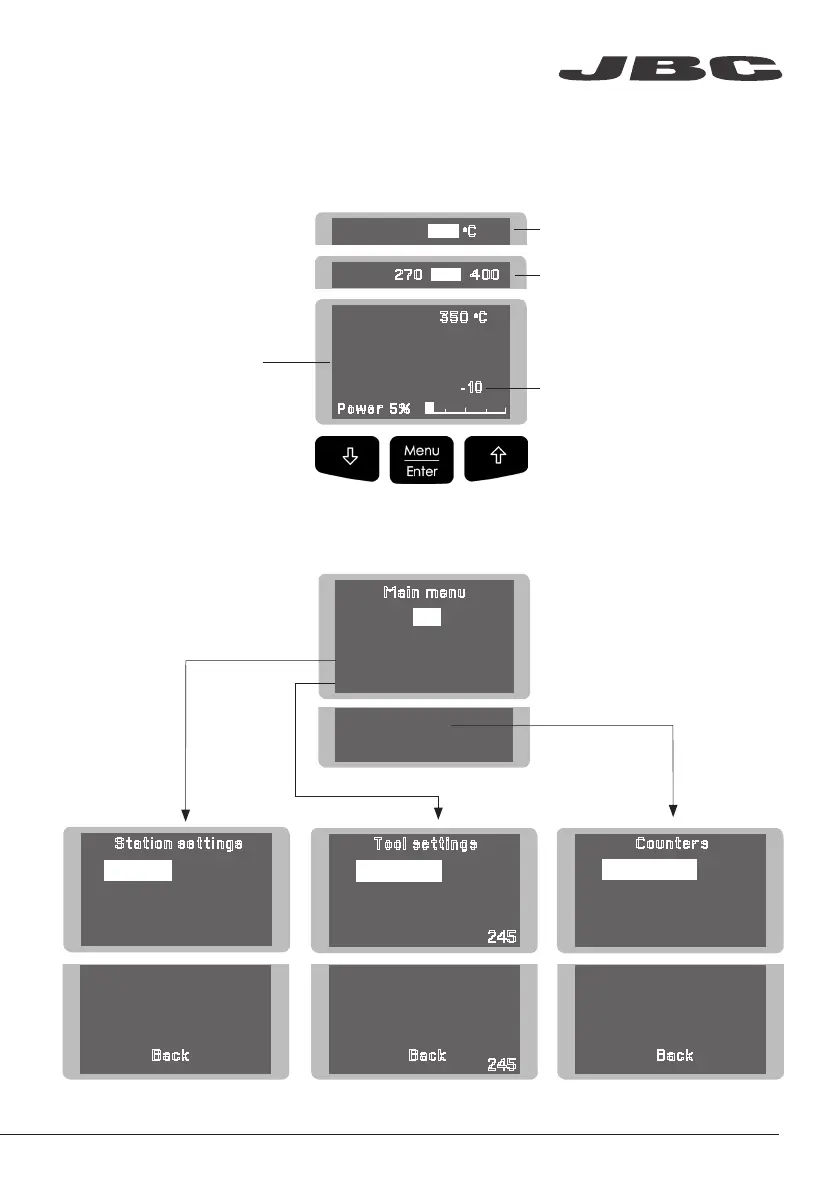
Main menu
4 Counters
5
Program version
Exit
1 Reset settings
2
Station settings
3
Tool settings
4
Hibernation hours 0
5
No tool hours 0
6 Sleep cycles
0
Tool 245
Back
Back
1
Fix one temp -----
2
Temp levels set OFF
3
Sleep delay 0 min
5 Help text OFF
6 Beep ON
7
Change PIN
1 Temp unit
Celsius
2
Maximum temp 400
0
C
3
Minimum temp 200
0
C
4
Metronome ----
1
Plugged hours 0
2
Working hours 0
3
Sleep hours 0
Counters
Tool settings
Station settings
0
Selected temp.
350
o
C
Power 5%
Fixed temp.
350
o
C
Levels ºC
270 350 400
-10
4
Sleep temp 150
0
C
5
Hibernation delay 10 min
6
Temp adjust + O
O
C
Tool 245
Back
c
350
Menu Screen
Original PIN: 0105
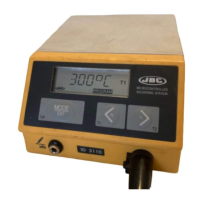
The work screen provides
useful information of tool
status in real time.
Work Screen
Control Process
Displays a specific fixed temp.
Shown when you have selected
temp. levels. The values must be
adjusted according to the work
needs.
“Temp. Adjust” parameter.
It provides a more precise
adjustment between the selected
temp and the actual one.
www.jbctools.com
29


 To Next Page