7
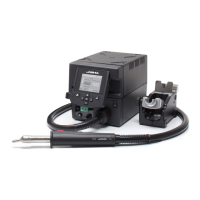
Adjustable Stand
Operation Modes
Press
Press
1. From the Tool Settings Menu, select the mode to activate the tool depending on the task.
2. The tool stops blowing when pressing the start/stop button.
If the stand is connected to the station and for safety it will also stop when returned to the stand.
Tool button
Pedal*
Adjust the tool holder angle to suit your work position.
Press the start/stop button to blow hot air. Press the Pedal to blow hot air and release to
stop.
*The P-005 Pedal is not supplied with this
station. See our website.
www.jbctools.com
7


 To Next Page