www.jbl.com
English
5
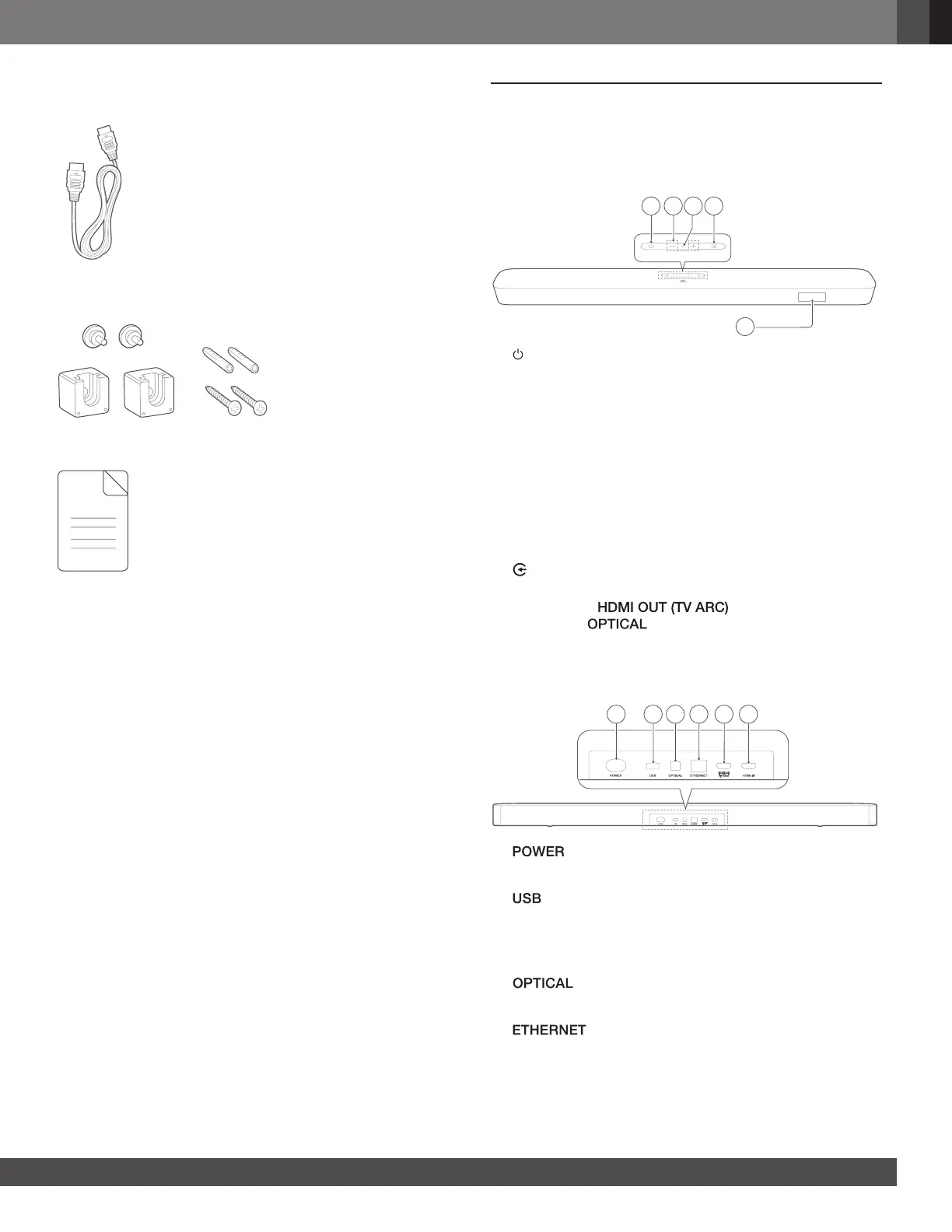
HDMI cable
Wall-mounting kit
Product information & wall-mounting template
3. PRODUCT OVERVIEW
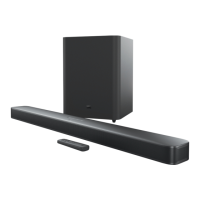
3.1 Soundbar
Controls
5
1 42 3
1) (Power)
• Switch on or to standby
2) -/+ (Volume)
• Decrease or increase the volume
• Press and hold to decrease or increase the volume
continuously.
• Press the two buttons together to mute or unmute.
3) Microphone
• For audio calibration (Automatic Multibeam Calibration
(AMC))
4) (Source)
• Select a sound source: TV (default, for TV connection
where the connector is prioritized
over the connector), Bluetooth or HDMI IN
5) Status display
Rear connectors
1 2 3 4 5 6
1)
• Connect to power (with the supplied power cord)
2)
• USB connector for software update
• Connect to a USB storage device for MP3 le playback
(for US version only)
3)
• Connect to the optical output on your TV or digital device
4)
• Connect to your home network through an Ethernet
cable


 To Next Page