Quick Start Guide
Guide de démarrage rapide
JBL SoundShift
™
1)
2)
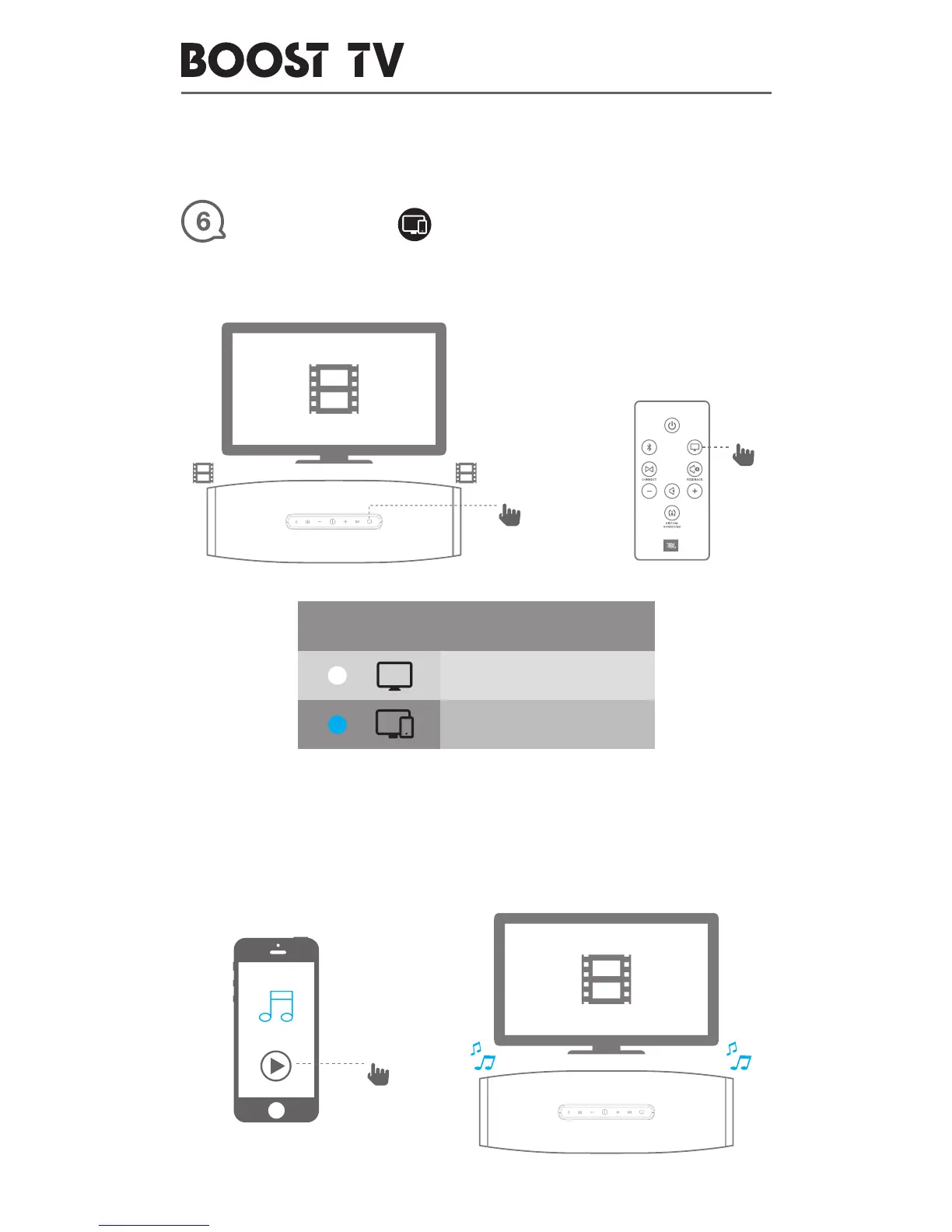
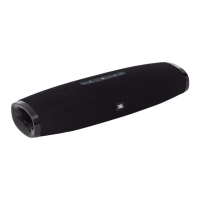
✦ BOOST TV is connected to TV and it is playing TV Sound. Press TV Button,
TV button light turns blue (SoundShift ON).
★ Press play on a Bluetooth-paired phone, BOOST TV will auto switch to
play phone sound.
BLUETOOTH
TV
OR
LED BEHAVIOR
TV Source, Soundshift is off
TV Source, Soundshift is on


 To Next Page