www.jbl.com
English
7
q/QDRRSGD35QDLNSDRUNKTLDCNVMATSSNMVGHKDOQDRRHMF@MC
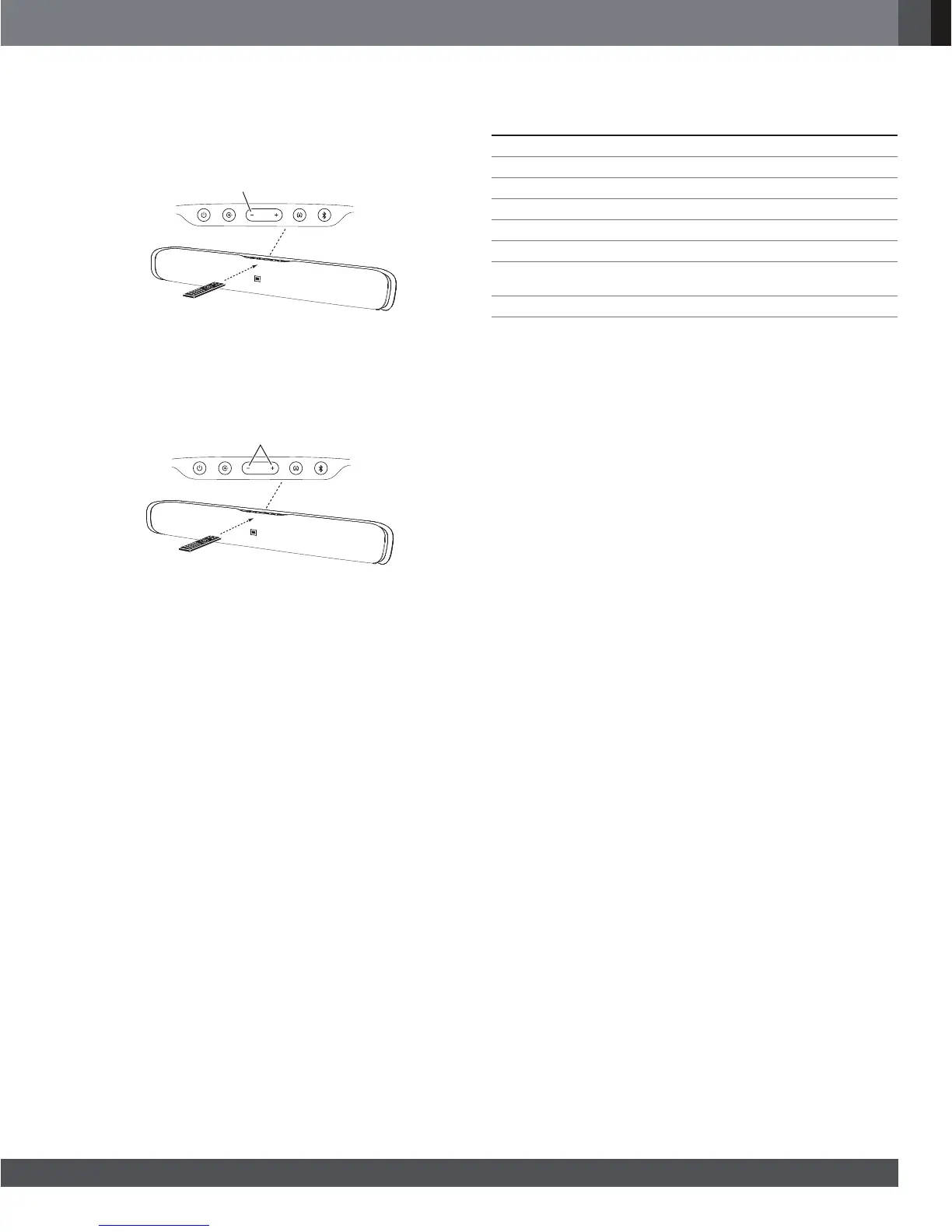
holding the soundbar’s Volume – button. If the programming was
successful the soundbar’s Surround button will change from amber
to solid white for one second, then will return to flashing amber.
A) Hold Down Soundbar’s
Volume – Button
B) Press TV Remote’s
Volume Down Button
q/QDRRSGD35QDLNSDRLTSDATSSNMVGHKDOQDRRHMF@MCGNKCHMFSGD
soundbar’s Volume + and Volume – buttons at the same time. If the
programming was successful the soundbar’s Surround button will
change from amber to solid white for one second, then will return to
flashing amber.
A) Hold Down Soundbar’s
Volume + and – Button
B) Press TV Remote’s
Mute Button
3. When you’re finished, press and hold the soundbar’s Surround
button until the button stops flashing amber.
The soundbar will now respond to your TV remote’s volume and mute
commands.
SPECIFICATIONS
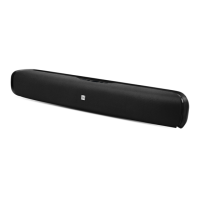
CINEMA SB200 POWERED SOUNDBAR SPEAKER
Low-frequency transducer: One 3-1/2" (89mm) cone per channel
High-frequency transducer: One 1" (25mm) dome per channel
Amplifier power: 60 watts peak per channel
Frequency response: 55Hz – 23kHz (-6dB)
Power requirement: 100V – 240V, 50Hz/60Hz, 60W
Power consumption: <0.5W (standby); 60W (maximum)
Dimensions (H x W x D):
4-9/16" x 35-1/2" x 4-1/16"
(116mm x 901mm x 103mm)
Weight (shipping): 11.5 lb (5.1kg)


 To Next Page