JBL CLICK
Quick Start Guide
7
7
Phone Call
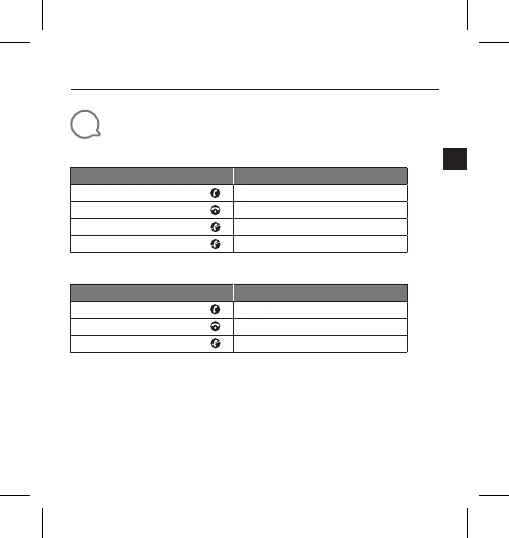
iPhone
Action
Gesture
Answering an incoming call
Press
Ending an active call
Press
Ignoring an incoming call
Press twice
Ending an outgoing call
Not supported
Android phone *
Action
Gesture
Answering an incoming call
Press
Ending an active call
Press
Ignoring an incoming call
Press and hold for 1.5 seconds
* Most of Android phones installed OS 8.0.0 or above support phone call function
* Due to huge variety of android phones, different phones have different key definition for phone
call support.
* Due to Android limitation, most messenger APPs call feature (answer ,reject ,end) on Android
are not supported.
* Some VIVO and OPPO phones don’t support phone call function.


 To Next Page