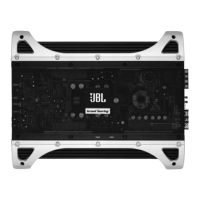
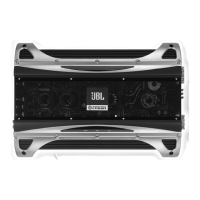
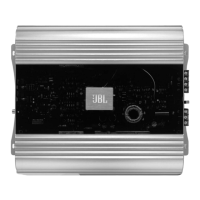
Applications
For your convenience, we’ve included
several application diagrams to help you
plan your own system installation.
Figures 1 through 4 show how to config-
ure the Decade Series power amplifiers
for stereo, bridged-mono and tri-mode
operation.
(Note: For simplicity, figures do not
show power, remote and input connec-
tions.)
Figure 1. This wiring diagram shows a
DA4002, DA6502 amplifier set to stereo
to drive a pair of full-range speakers.
Figure 2.This wiring diagram shows a
DA1002 amplifier set to bridge mode
(mono) to drive a single subwoofer.
Figure 3.This wiring diagram shows a
DA4002, DA6502 amplifier set for tri-
mode operation. For a desired crossover
frequency, use the chart on page 4 to
select an inductor for the subwoofer,
and corresponding capacitors for left
and right speakers.
Figure 4.This wiring diagram shows a
DA3504 set to drive a pair of 5-1/4"
2-way speakers with the two front
channels, and the rear channels set
to drive a single subwoofer in bridge
mode.
6



 To Next Page