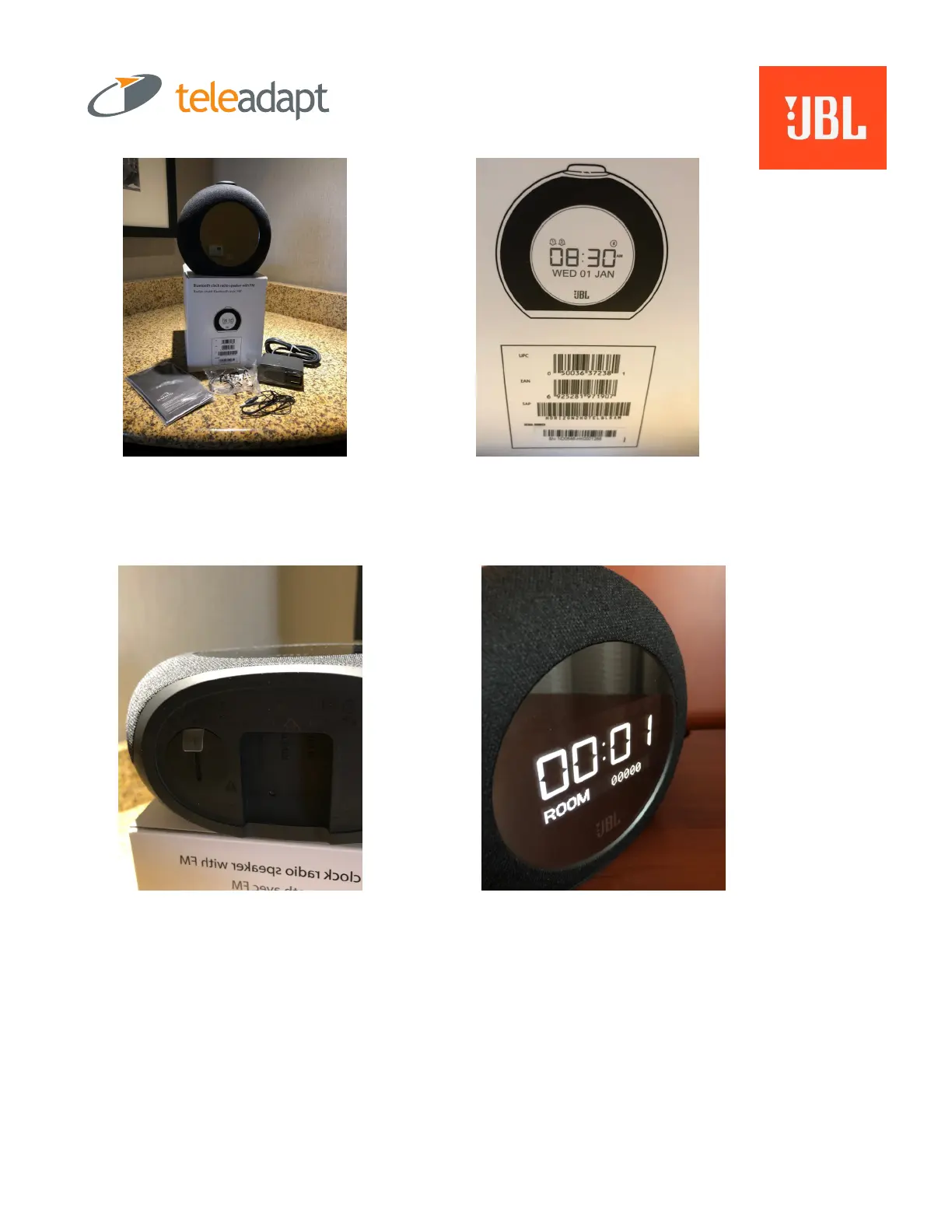
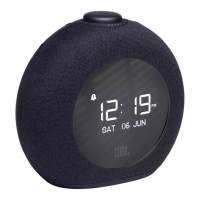
In the box: Horizon 2, power
supply, security lanyard, FM
antennae (pig tail) and warranty
card.
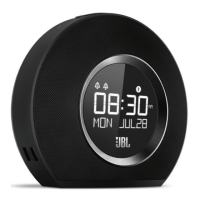
On the Box: UPC
number. Record this for
warranty purposes.
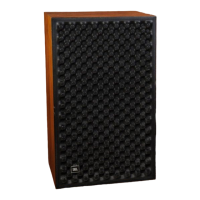
Step 1 of Set Up:
Pull the plastic tab on
the bottom which will
engage the lithium
ion battery for back up.
Step 2: Plug in power supply to Horizon
and power outlet.
Step 3: Select language: Default is English.
Press Snooze Bar (round button) to
confirm.
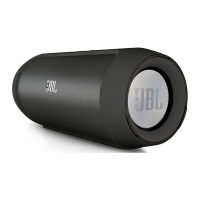
Step 4: “Name” your Horizon2 – set the
Room number. 00000 is default so Room
101 would be 00100. Turn Snooze Bar dial
to scroll through numbers; Press Snooze
Bar down to confirm and advance.


 To Next Page