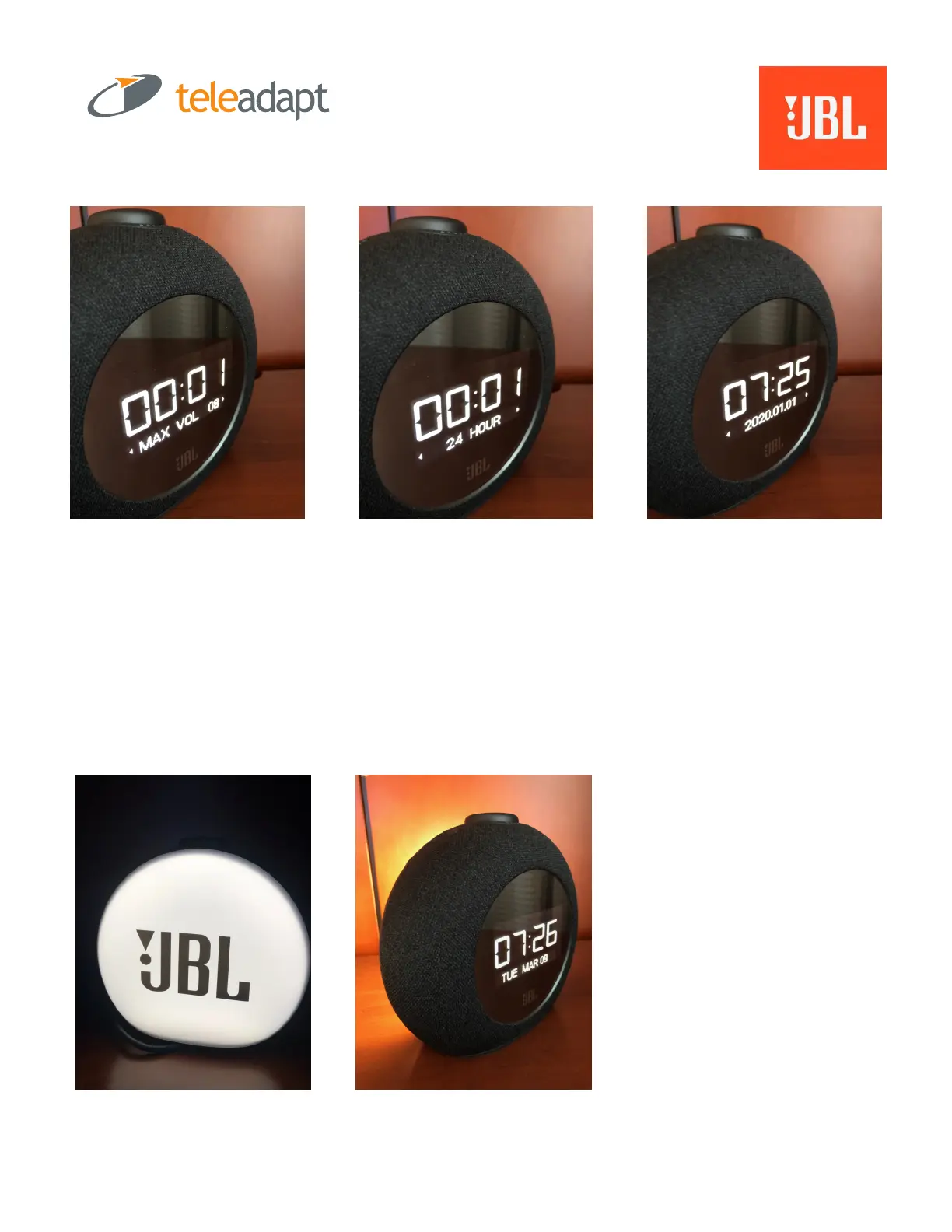
Step 5: Set MAX Volume for the Room. Default is Level 8.
Step 6: Select 24-Hour or 12-Hour Mode.
Step 7: Now it’s time to set the TIME, YEAR, MONTH and DATE
REMEMBER: Turning the Snooze Bar is how you select options or numbers;
and Pressing down on the Snooze Bar confirms that setting and advances
to any next steps.
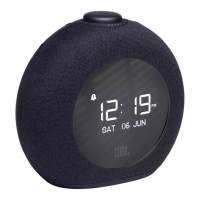
Check out the back of the HORIZON2. When you press the Snooze Bar, the back-light comes on.
This is a great night-light and it also can be triggered via the Alarm.


 To Next Page