EasyManua.ls Logo

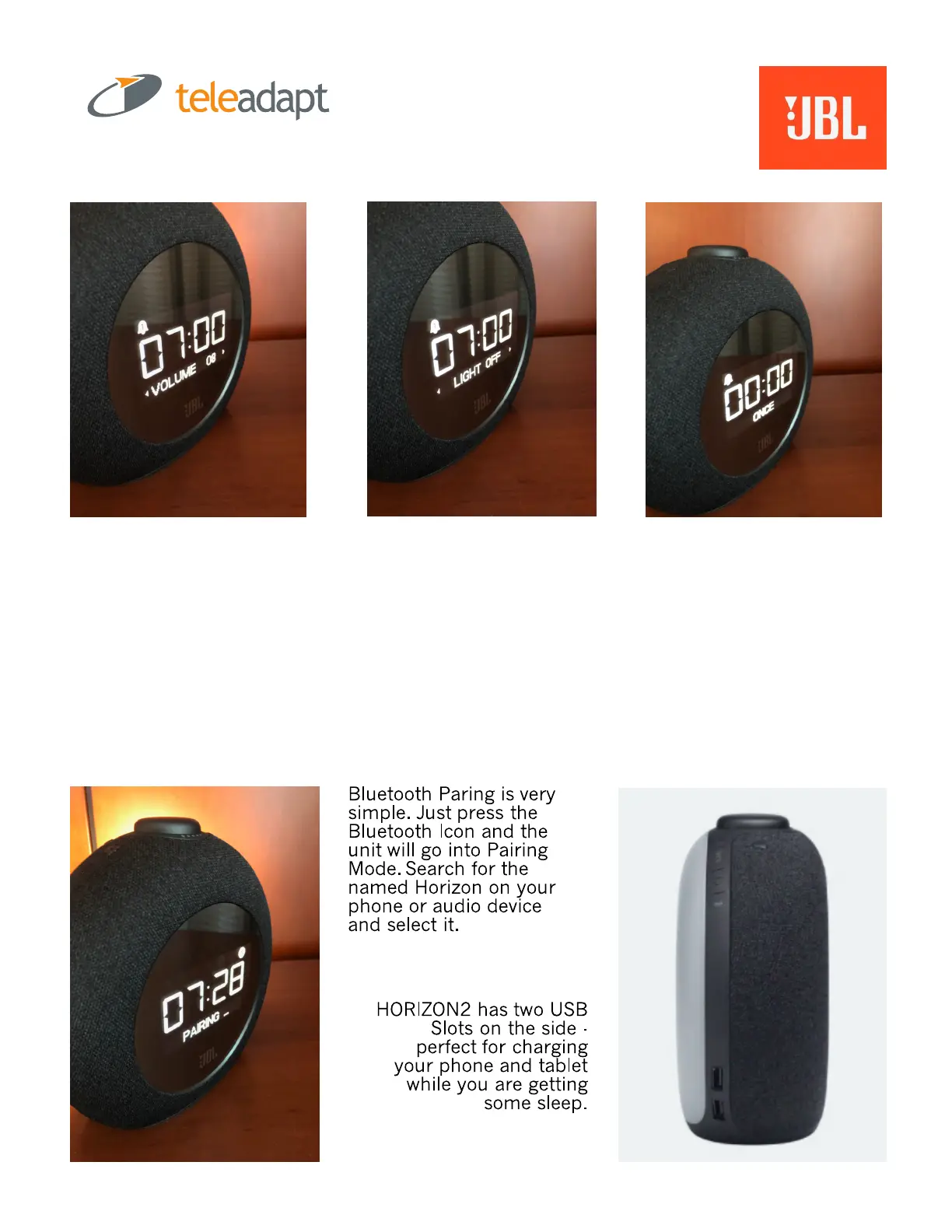
JBL Horizon 2 - Setting Alarms and Features; Configure Single Day Alarm; Bluetooth Pairing; USB Charging Ports

JBL Horizon 2
5 pages
Print Icon
To Next Page IconTo Next Page
To Previous Page IconTo Previous Page
Loading...
Setting the SINGLE DAY ALARM is simple.
1. Press and Hold the Alarm Icon.
2. Set the desired time (< > Snooze)
3. Select desired Volume
4. Select Light ON or OFF (sunrise)
5. Alarm confirms as ONCE meaning single day.
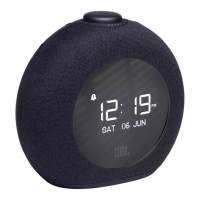
Alarm Icon on the screen means alarm has been set.

Other manuals for JBL Horizon 2

Related product manuals