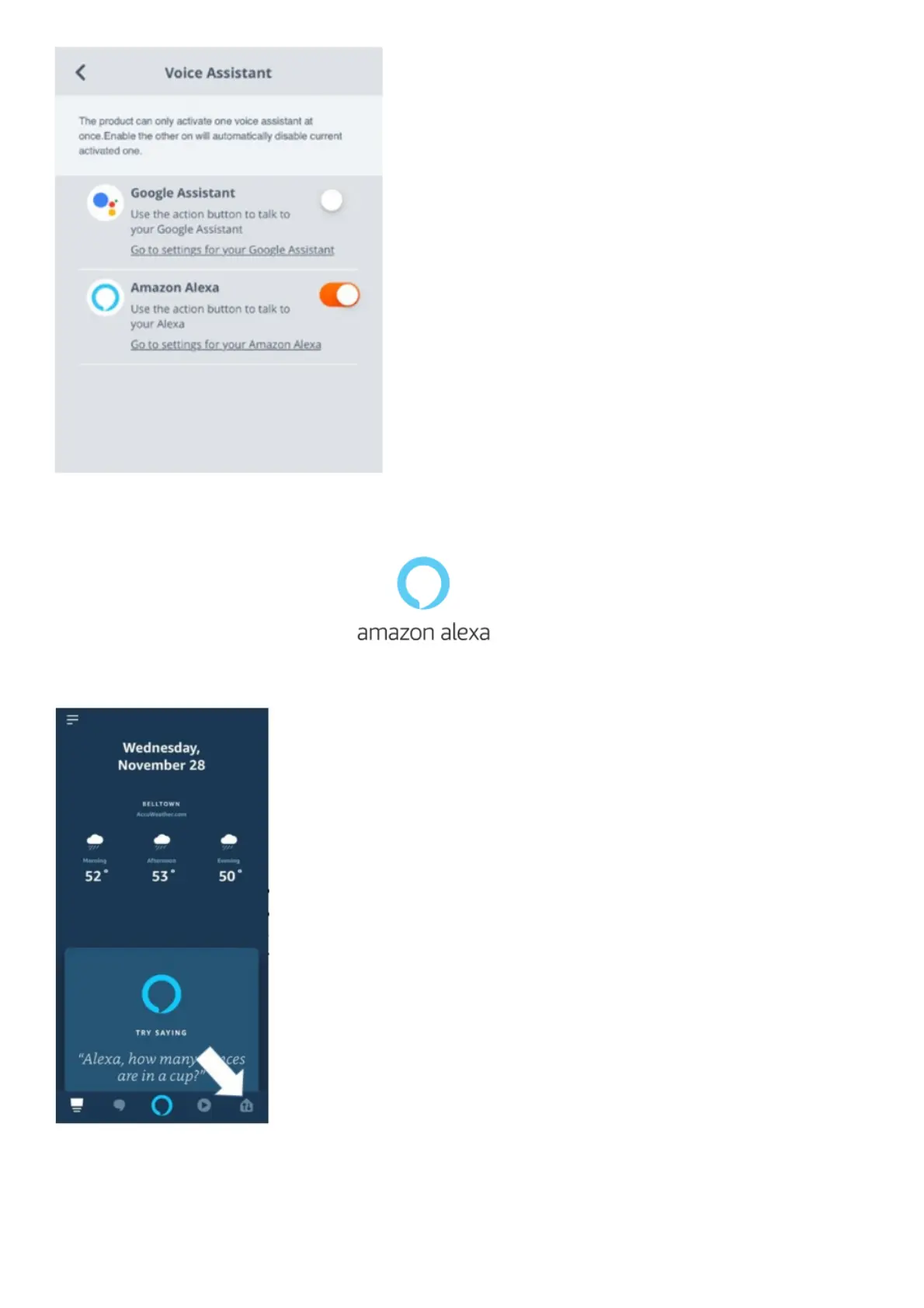
3. On your mobile device, open or download the Amazon Alexa app and follow the app
instructions.
4. In the Amazon Alexa App, navigate to the Device Page.
5. Click the Plus (+) button on the top right of the screen and select ‘Add Device’.
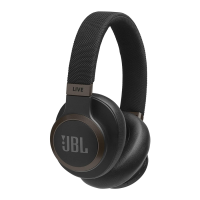
6. Select Headphones from the list and then choose your Live Series Headphones in the Available
Devices section. Follow the rest of the instructions in the Alexa App to complete set up.
7. Alexa is now enabled on your device. Touch the action button and try one of the below
utterances:




 To Next Page