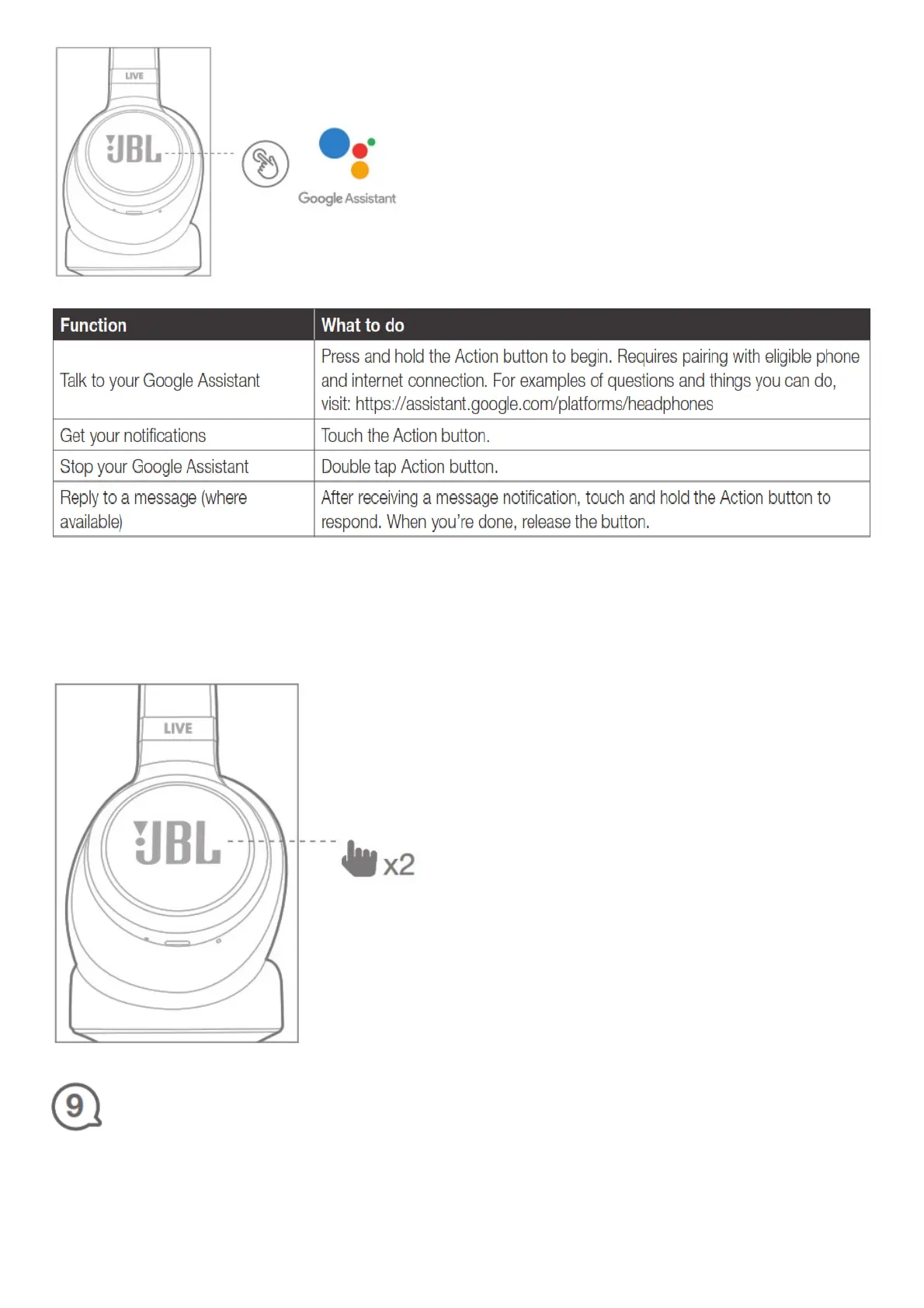
Note:
1. The Google Assistant isn’t available in certain languages and countries.
2. If you want to turn on or off the Google Assistant, please download our JBL APP (see Section 7).
You can select under Settings > Voice assistant > Google Assistant. For countries without the
Google Assistant, you can double tap the left ear cup to activate voice assistant.
Amazon Alexa
1. Connect your headphones to your mobile device.
2. Download JBL APP and follow the app instructions, select Settings > Voice assistant > Amazon
Alexa.




 To Next Page