33
Note: the auto pH is automatically deactivated when the pH set point is changed to values
outside the auto-pH curve and when the valve is set to “man“.
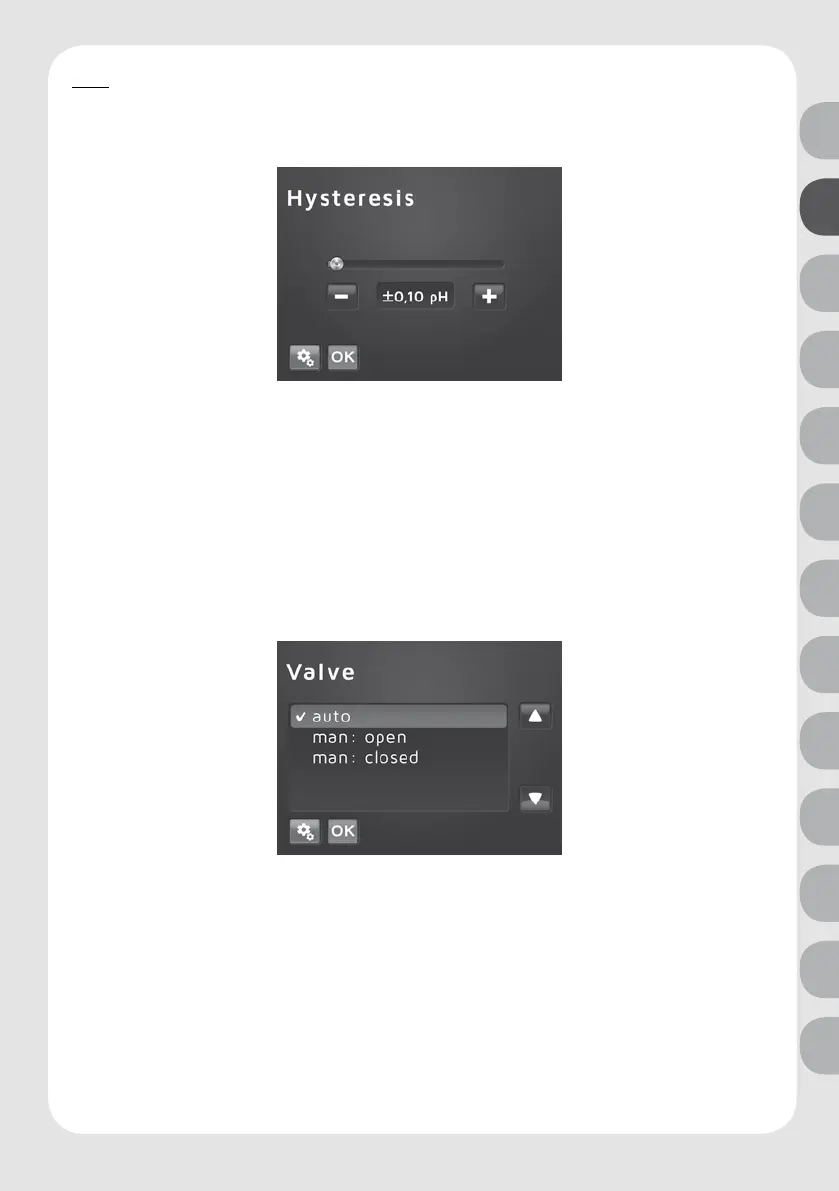
Hysteresis
Open with the following steps:
Settings key > select Hysteresis > press OK > enter desired value using “plus” and “minus” >
press OK.
Hysteresis shows the switching points. In order to avoid the unnecessarily frequent switching
on and o of the solenoid valve, an upper and lower limit is set by which the measured
pH value may deviate from the pH set point before the solenoid valve switches on. This
saves wear and tear on the solenoid valve. You can nd an example for the control mode in
chapter 5.1. Values from 0.1 up to 0.5 pH units can be selected. Factory setting: 0.1 pH
Valve
Open with the following steps:
Settings key > select valve > press OK > select auto, man open or man shut > press OK.
The operation mode of the integral solenoid valve can be selected in this menu item. The
options are automatic operation (auto) and manual open (man open) as well as manual shut
(man closed). In order for the device to control, the “auto“ setting (factory setting) must be
selected.
For the settings “man open “ and “man closed“, the valve stays open or shut until the setting
is changed.
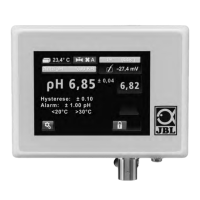
A green symbol for “open“ or a red symbol for “shut“ and “A“ for automatic or “m“ for manual
appear on the value overview (chapter 4).
DE
UK
FR
NL
IT
ES
PT
SE
CZ
PL
RU
RO
TR



 To Next Page