35
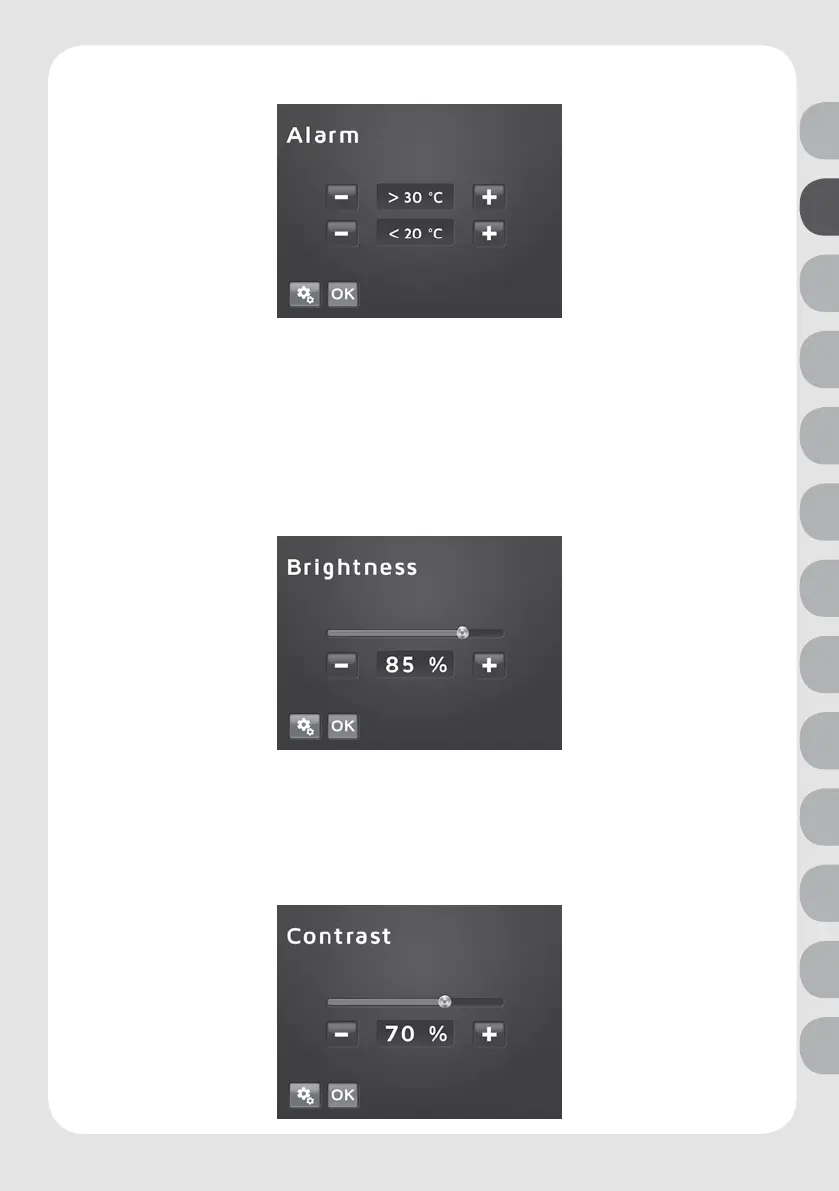
Temperature alarm:
The alarm function for temperature enables you to set the upper and lower alarm limits
separately. The relevant alarm limits can thus be freely selected for your aquarium. If the
values rise above or fall below the limit set, the same as described for the pH alarm will
happen
Factory setting: 20 °C < t < 30 °C
The limit values set appear in the status line on the value overview (chapter 4).
Brightness
Open with the following steps:
Settings key > select Brightness > press OK > select the desired value using “plus” and “minus”
> press OK.
Factory setting: middle level.
Contrast
DE
UK
FR
NL
IT
ES
PT
SE
CZ
PL
RU
RO
TR



 To Next Page