
 Need help?
Do you have a question about the JBSYSTEMS Light LM 400 and is the answer not in the manual?
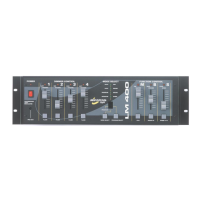
Individual control of each channel using sliders.
Button to flash output to maximum level.
Selects operating modes including Hold Dim, Hold Sound, Program Sound, and Program Speed.
Selects programs 1-9, with '0' cycling through all nine.
Slider controls the maximum output level for channels.
Slider controls the minimum output level of channels.
Slider controls the running speed in 'Program Speed' mode.
Puts all four channels on at maximum output.
Stops all outputs and puts the unit in standby mode.
Used with program speed slider for two speed levels.
Sets the minimum output level of sliders.
Input level for audio control (200 mV-1500 mV).
0-10V output for controlling external power packs.
Specifies maximum power ratings per channel for resistive and inductive loads.
Warning about staying under 3000W in 'Hold Dim' mode for safe operation.
Diagram showing the 0-10V output connector pinout (1, 2, 3, 4, GND).
 General
| Brand | JBSYSTEMS Light |
|---|---|
| Model | LM 400 |
| Category | Music Mixer |
| Language | English |

 To Next Page