Operation
Instruments
41 9831/0650-3 41
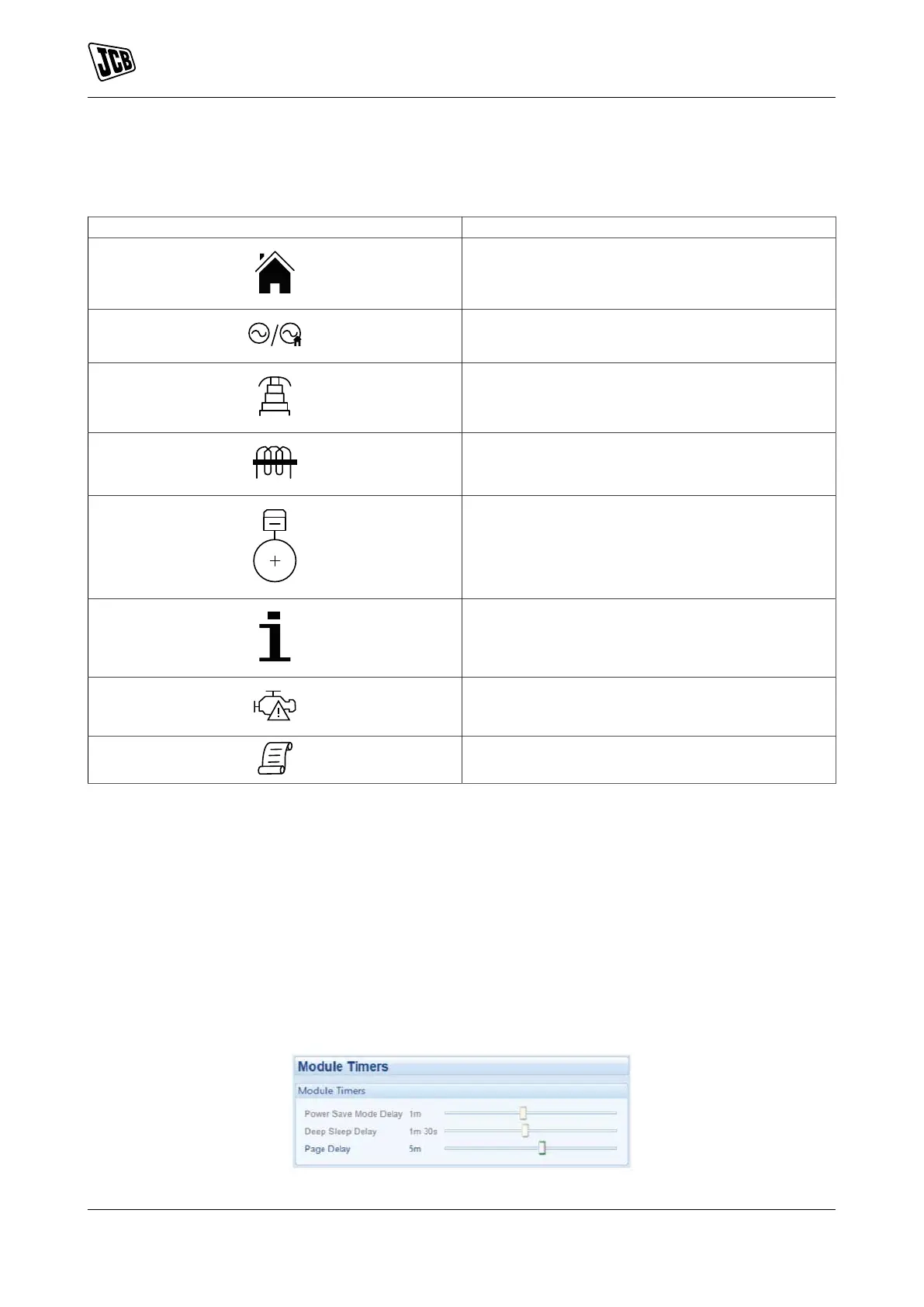
Navigation Menu Icons
Table 12.
Icon Description
Generator and mains voltage instrumentation
Generator instrumentation
Mains instrumentation
Current and load instrumentation
Engine instrumentation
Module information
Engine DTCs (Diagnostic Trouble Codes) if active
Event Log
General Navigation
It is possible to scroll through the display to view different pages of information by repeatedly operating the up
or down navigation buttons, and so on until the last page is reached.
A further press of the navigation down button returns the display to the homepage.
Once selected, the page will remain on the LCD display until the user selects a different page or, after an
extended period of inactivity (Page Delay Timer), the module reverts back to the homepage.
The `Page Delay Timer' is configurable using the `DSE Configuration Suite Software' or by using the `Front
Panel Editor'.
Figure 24.



 To Next Page