9
Fig 8
Fig 9
Fig 10
Rotary Controller & Work Modes
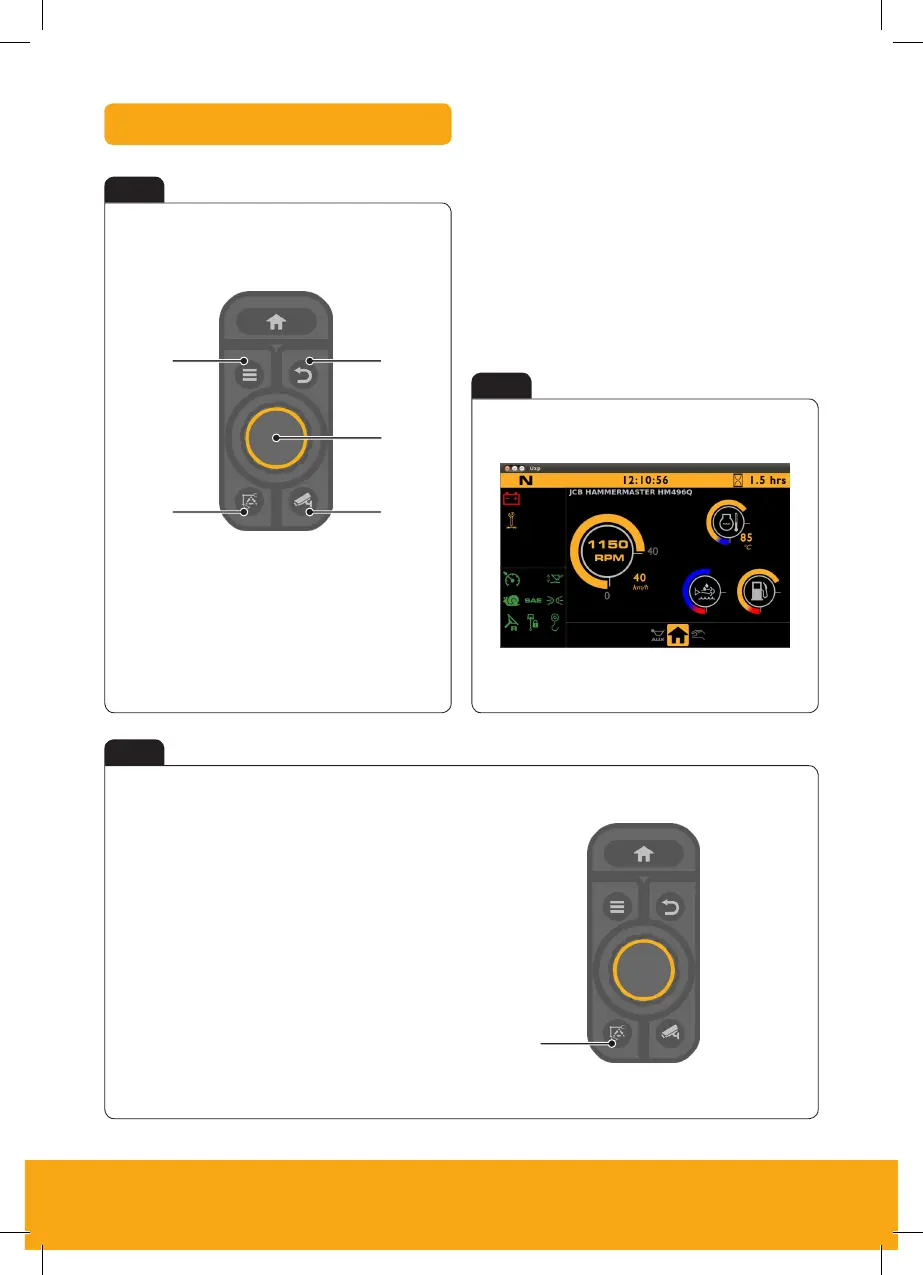
A Home
B Menu access
C Work mode
D Camera
E Scroll / select
F Return
• Eco
• Standard
• Power (+)
C
A
B
A
D
F
E
Rotary Controller
Work Modes
Work modes selection
Press A to cycle through the work modes
Press = Eco Mode – 1600rpm
Press twice = Standard Mode – 1800rpm
Press again = Power (+) Mode – 2000rpm
The rotary controller can be used to both control
the machines RPM and to scroll through the menu
system on the machine display (dependant on
mode). The rotary can also be used to override
the need to crowd the attachment during the
quick hitch sequence (depressing the enter button)


 To Next Page