6. Wi-Fi Indication Light and ON/OFF Button
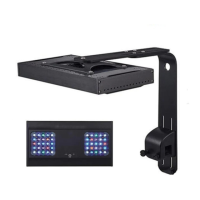
AK-70, AK-80
AK Series: Wi-Fi Indication Light is located in the lower front part of the light
seen as a white spot. On/Off Button is located on the opposite side of the Wi-Fi
indication light on the upper part of the light as seen as a transparent button.
AL Series:
AL90 AL120, AL150, AL200
6.1 Explanation of Wi-Fi Indication Light
A. Wi-Fi indication light flashing alternately in green and red while the light is
on smart configuration mode.
B. Wi-Fi indication light is flashing simultaneously in green and red while the
light is on AP configuration mode.
C. Wi-Fi indication light is green when the light is connected to the cloud server.
D. Wi-Fi indication light is red when the light is connected to the router but not
connected to the cloud server.


 To Next Page
 Loading...